Automate endless copy-pasting
AI Google Sheets Collaboration Agent
Put your spreadsheets to work
Delegate your spreadsheet updates to a specialized AI agent. It can read, write, format, and analyze data directly within Google Sheets, transforming your static documents into dynamic, automated, and collaborative workflows.

Ideal for
Operations Teams
Project Managers
Anyone Using Google Workspace





























Time comparison
Traditional way
Hours of manual updates
With V7 Go agents
Minutes (automated)
Average time saved
99%
Why V7 Go
Reads, writes, and analyzes data
Directly within your Google Sheets.



Import your files
Google Sheets
,
Google Drive
,
Salesforce
Import your files from whereever they are currently stored
All types of Business documents supported


Once imported our system extracts and organises the essentials
Connect AI to your Google Workspace.
Finance
•
Legal
•
Insurance
•
Tax
•
Real Estate



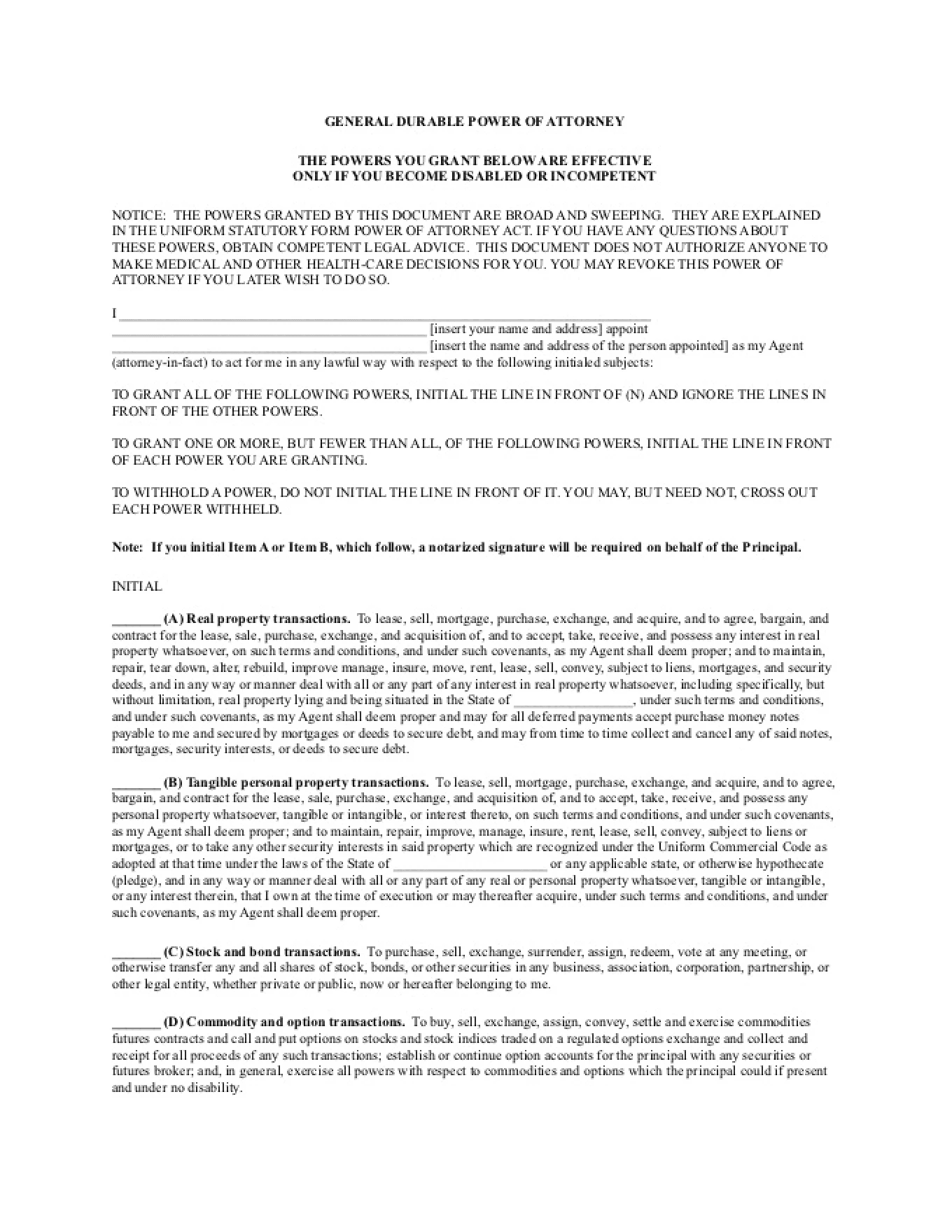
" height="15px" href="%23J0QEw1Ctk-2037569988" id="J0QEw1Ctk" width="198px"/><use clip-path="url(%23J0QEw1Ctk-2037569988-stroke)" fill="transparent" href="%23J0QEw1Ctk-2037569988" stroke-dasharray="0" stroke-linecap="butt" stroke-linejoin="miter" stroke-miterlimit="4" stroke-width="1" stroke="rgb(124, 58, 237)"/></svg>)





Answers
What you need to know about our
AI Google Sheets Collaboration Agent
How does the agent get permission to access our Google Sheets?
It uses a secure, standard OAuth connection. You grant the V7 Go platform specific, read/write permissions to your Google Workspace, and you can revoke this access at any time.
+
Can it handle complex, multi-tab spreadsheets?
Yes. You can instruct the agent to read from or write to specific tabs within your Google Sheets workbook, and it can perform cross-sheet lookups and calculations as part of its workflow.
+
Is this different from using Zapier or other integration platforms?
While it has integration capabilities, this agent is more powerful because it has AI reasoning. It can understand unstructured requests and perform more complex tasks within the sheet, like generating formulas or applying conditional formatting based on the data's meaning.
+
Can it preserve our existing formulas and formatting?
Yes. When populating data, the agent can be configured to only write values into specified input cells, leaving all your existing formulas, charts, and conditional formatting rules untouched to update dynamically.
+
What if we use Microsoft Excel instead of Google Sheets?
V7 Go offers a parallel set of agents specifically designed for Microsoft Excel. You can build the same powerful, automated workflows whether your team collaborates in Google Workspace or Microsoft 365.
+
Is our data in Google Sheets kept private?
Absolutely. All data processing occurs within V7 Go's secure environment. The agent interacts with your Google Sheets via a secure API connection, and your proprietary data is always handled confidentially.
+
Next steps
What if your most important spreadsheet could update itself?
Show us the Google Sheet that causes your team the most manual work. We'll show you how an AI agent can automate the updates and turn it into a dynamic, reliable report.