Aug 4, 2026
Favorites for Workflows and Chats
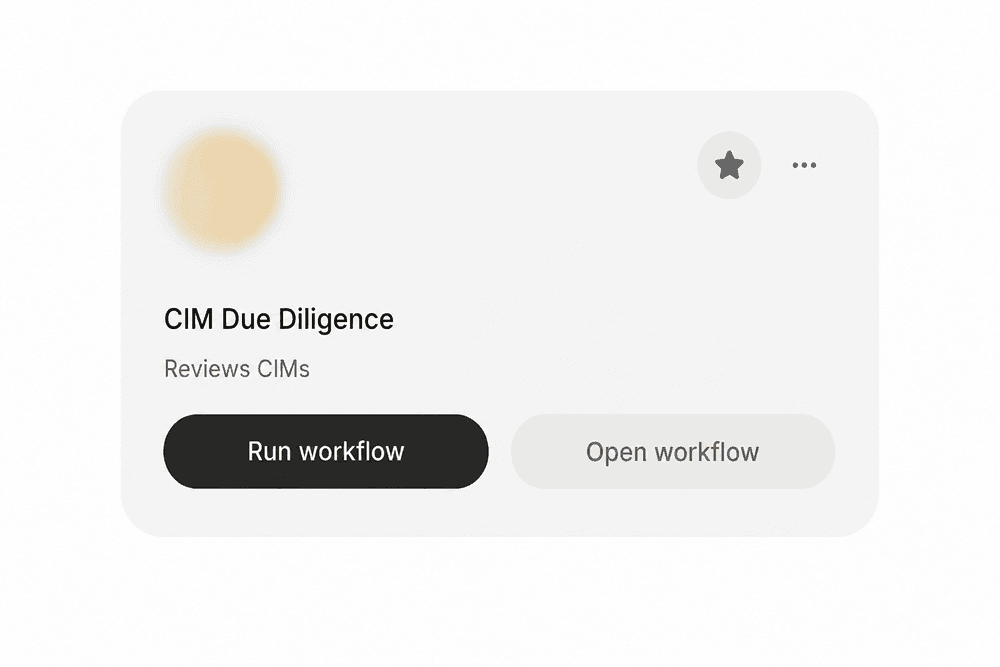
You can now favorite any workflow or chat and get back to it in one click. Hit the star on a card to add it, and it appears in the Favorites section of the left navigation alongside everything else you have starred.
What they are useful for
Recurring work: star the workflows you run on a cadence, like a weekly reconciliation or a monthly report, so you are not searching for the same one every time.
Picking up where you left off: star a chat and return to that exact session later. The context is already there, so a similar task continues in the same thread instead of starting cold.
Bookmarking a working setup: when a workflow is configured the way you want it, star it. It becomes the version you come back to and adapt, rather than one you rebuild.
Favorites are per user, so starring something does not change what your teammates see in their own navigation. Add and remove them as often as you like.
