Jan 23, 2026
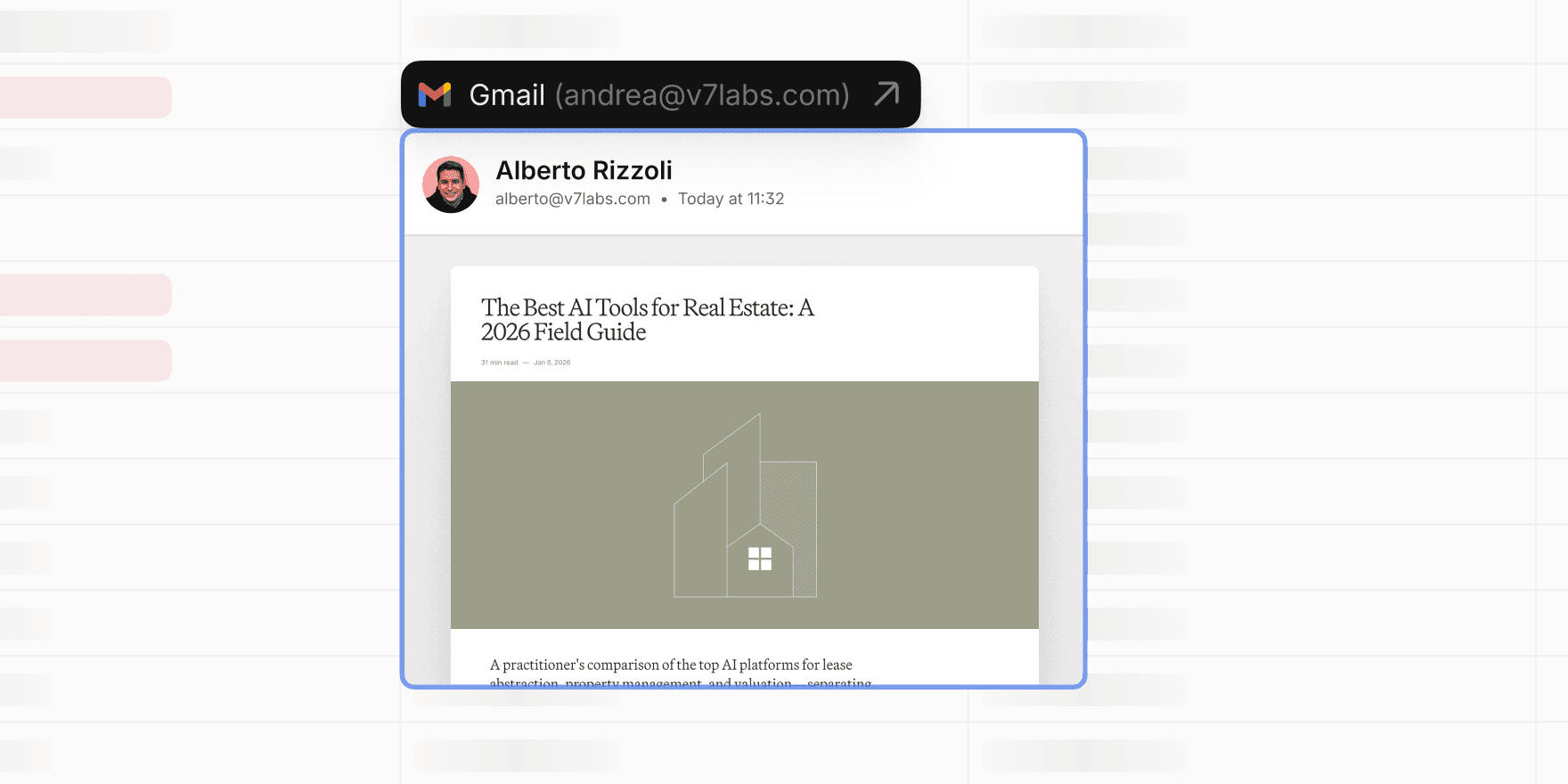
Go Agents can now run automatically in response to events from your connected apps. Triggers let you set up agents that activate when a new email lands in your inbox, a call is recorded in Gong, a message arrives in Slack or Teams, or a pull request is opened on GitHub.
Eight triggers are available across six providers in this initial release:
Microsoft Outlook - New email, new attachment received
Gmail - New email, new attachment received
Microsoft Teams - New channel message, new direct message
Slack - New message
Gong - New call recorded
GitHub - New or updated pull request
When a trigger fires, incoming data is automatically enriched and displayed in beautiful and bespoke cards that show the full context depending on the type of event. You can see exactly what activated your agent.
Triggers work like any other agent property. Add one to a new agent during setup, or configure an existing agent to respond to events. Just select the trigger type, connect your account, and the agent handles the rest.

Andrea Azzini
Head of Product