Video labeling























Real-world-impact
V7 powers more than 300+ commercial AI projects.
In healthcare, logistics, manufacturing, and more.


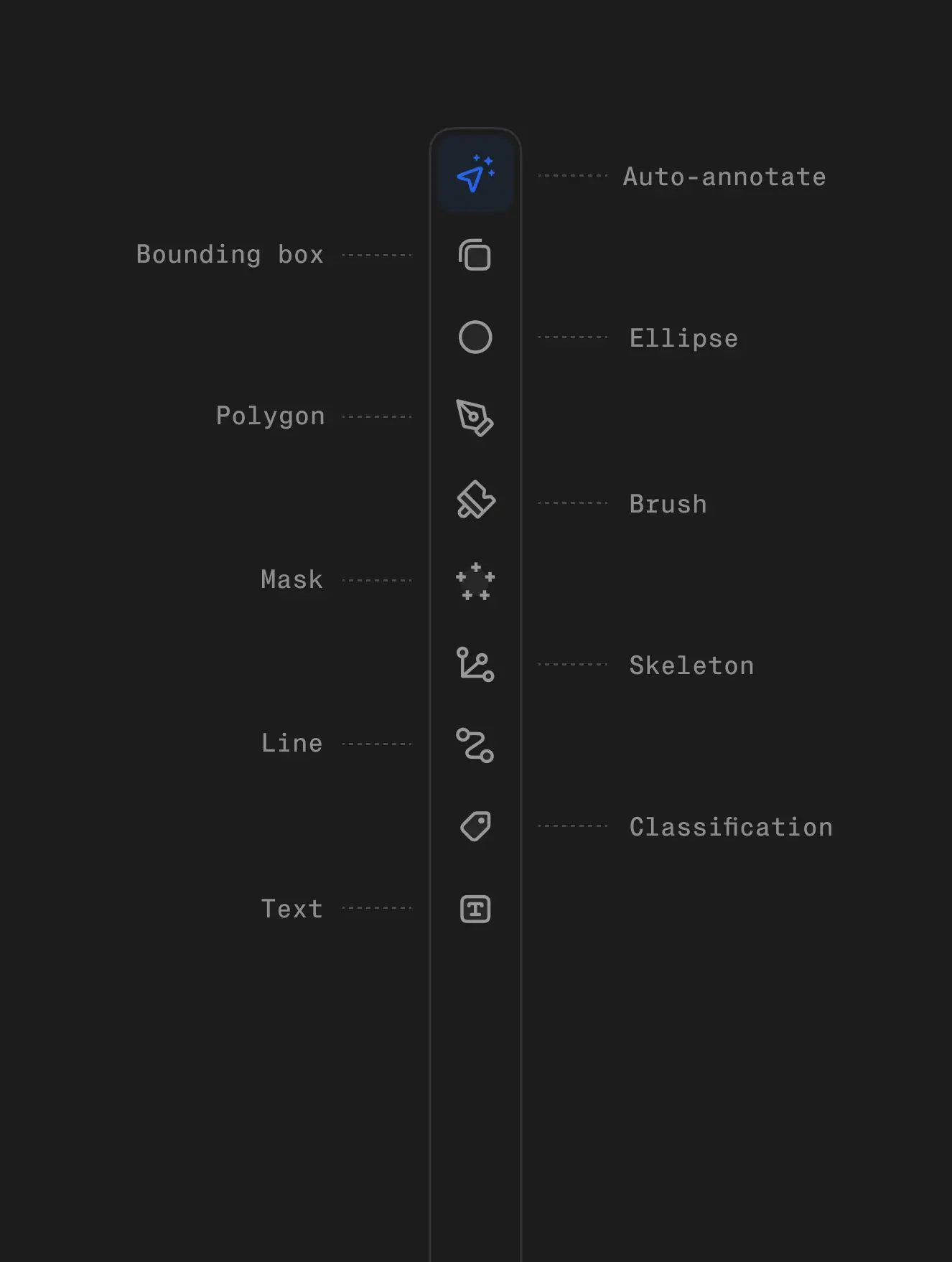
Annotation suite
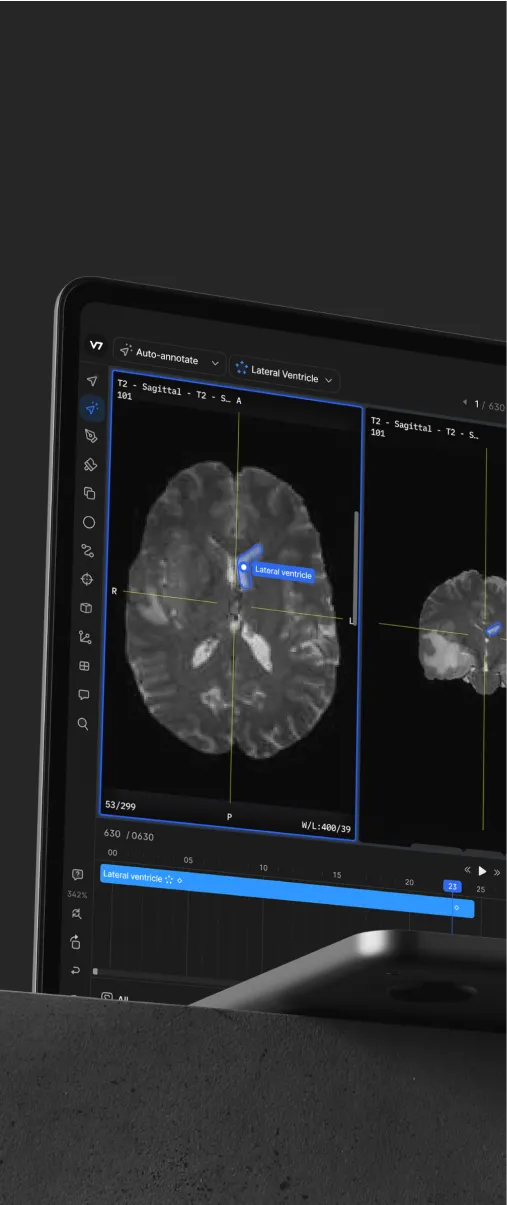
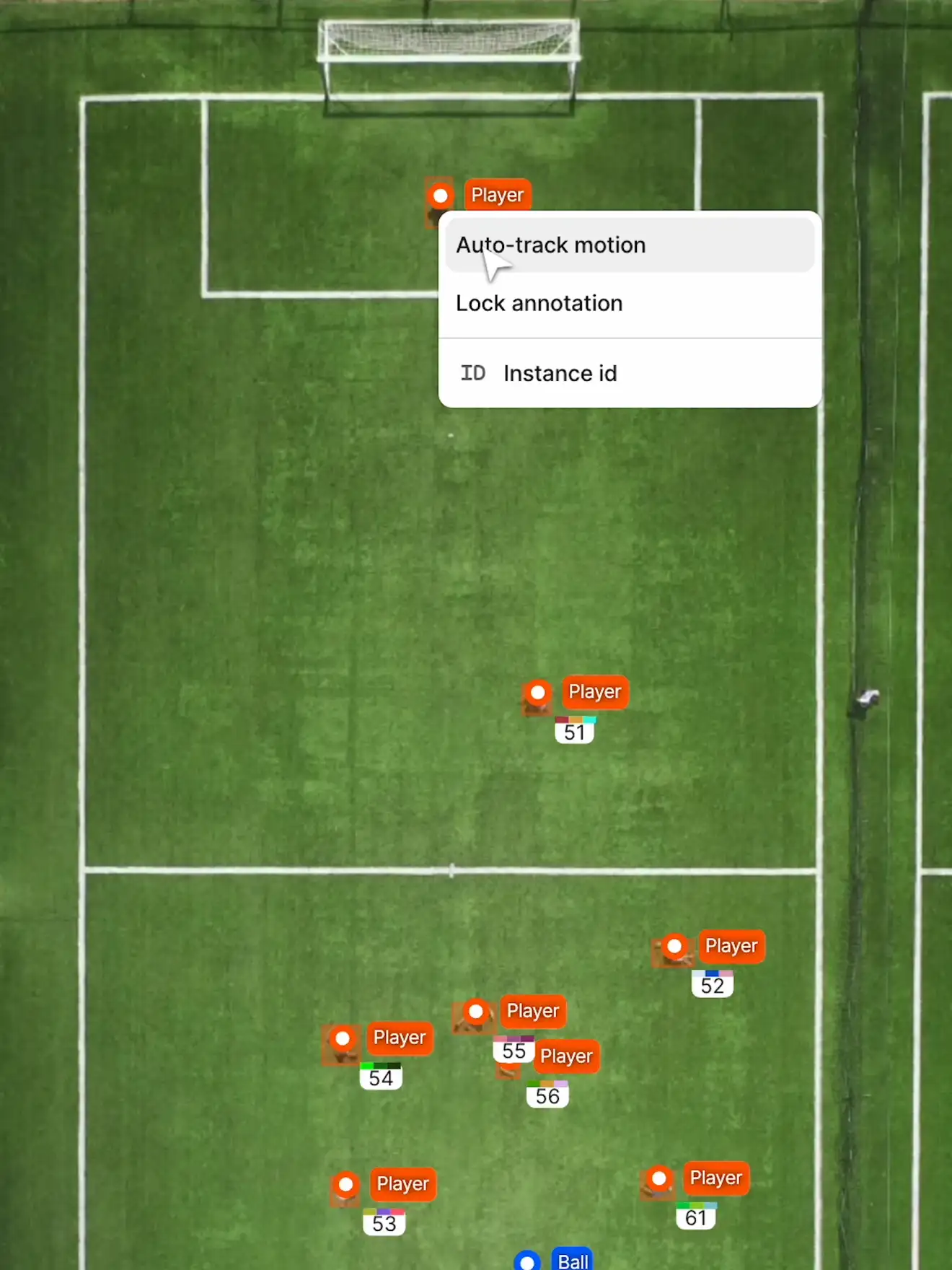
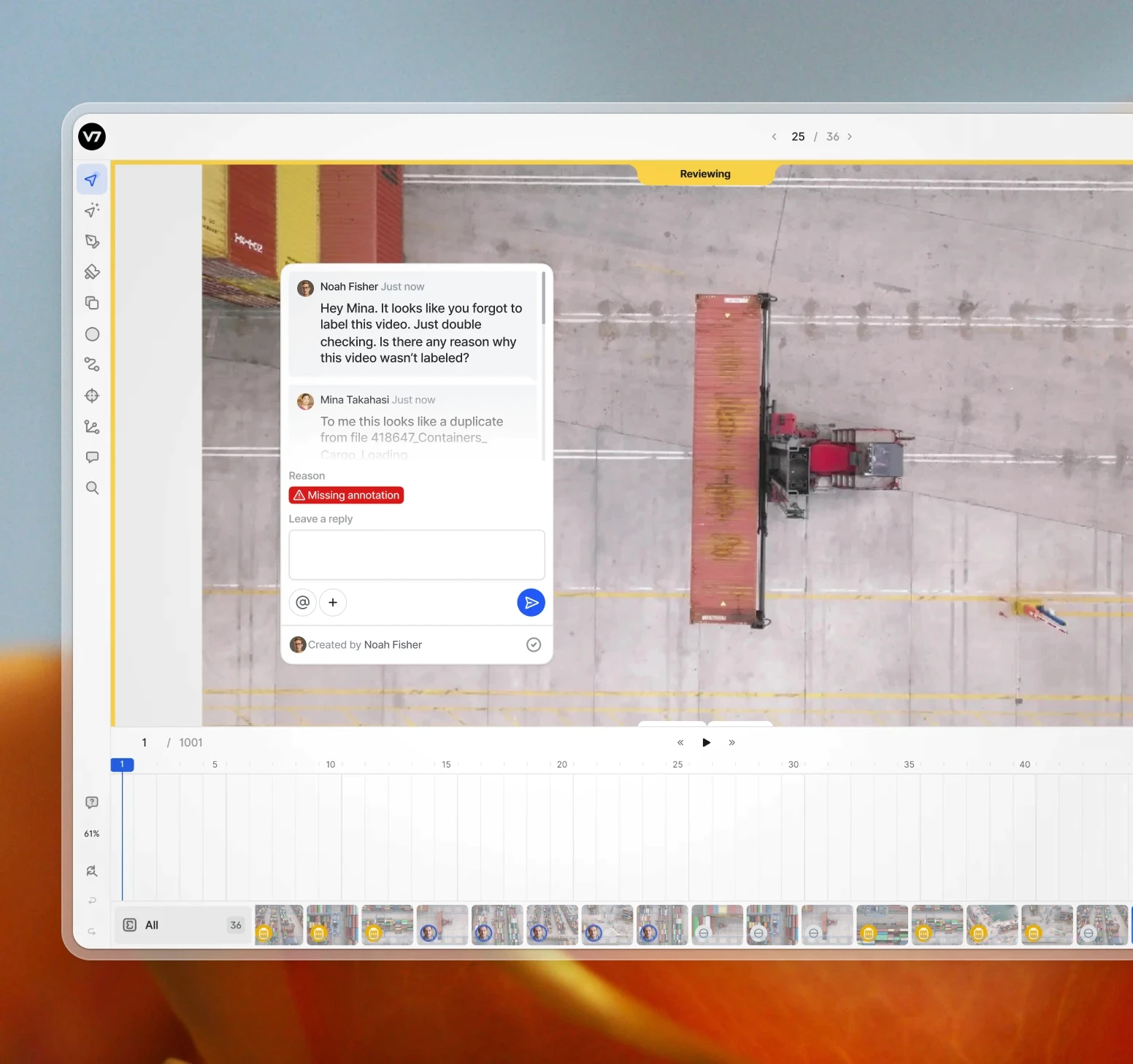
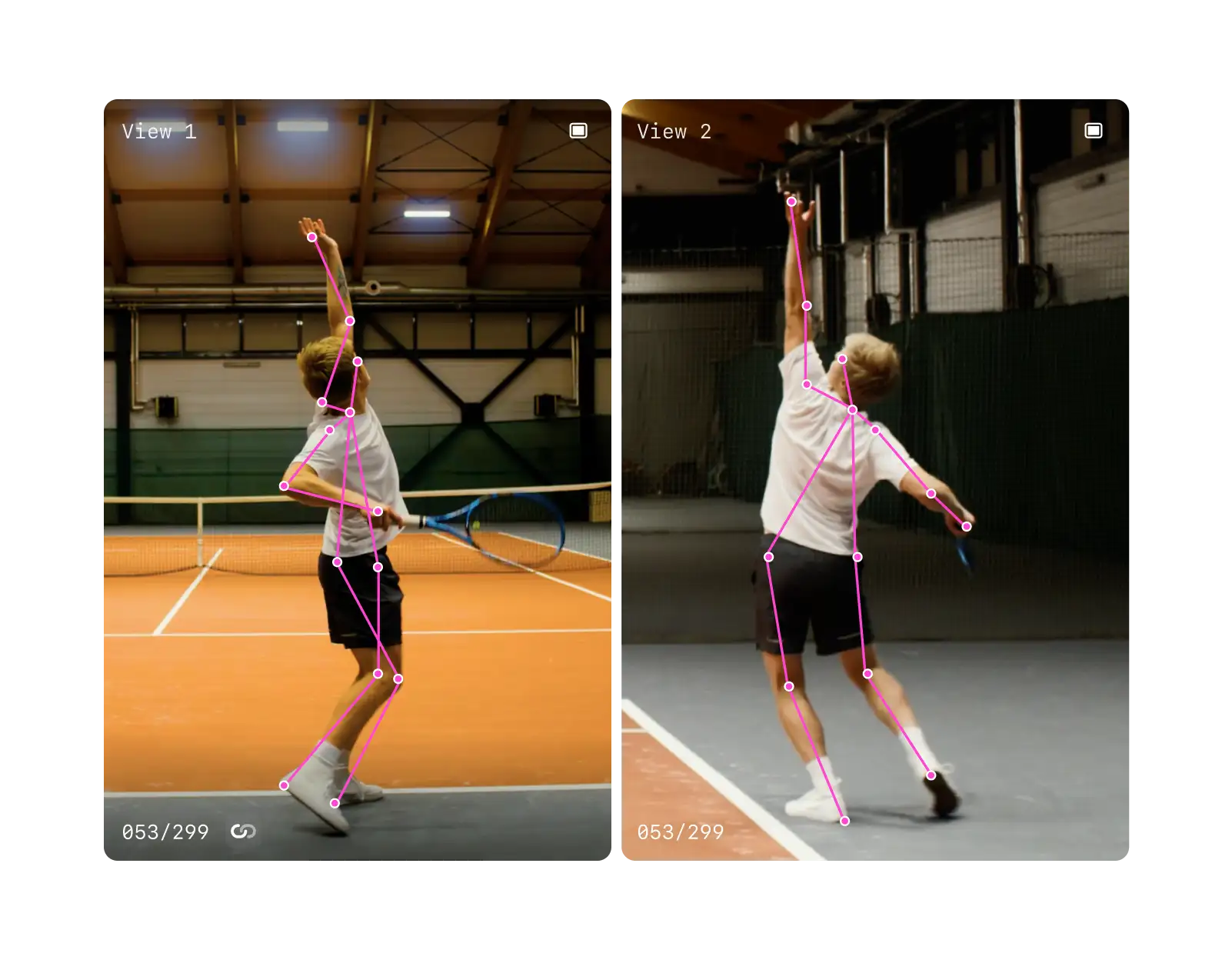
Video-based AI is the new frontier in computer vision. In the real world, you're not working with perfect snapshots. Instead, you're dealing with motion blur, varying lighting conditions, rapid scene changes, and objects that pop in and out of view.
V7 Darwin has built-in features, like AI-assisted labeling and intuitive collaboration tools, designed to address all of these challenges. Our video annotation suite reduces time-to-market for computer vision projects and helps you orchestrate your AI development workflow.

01
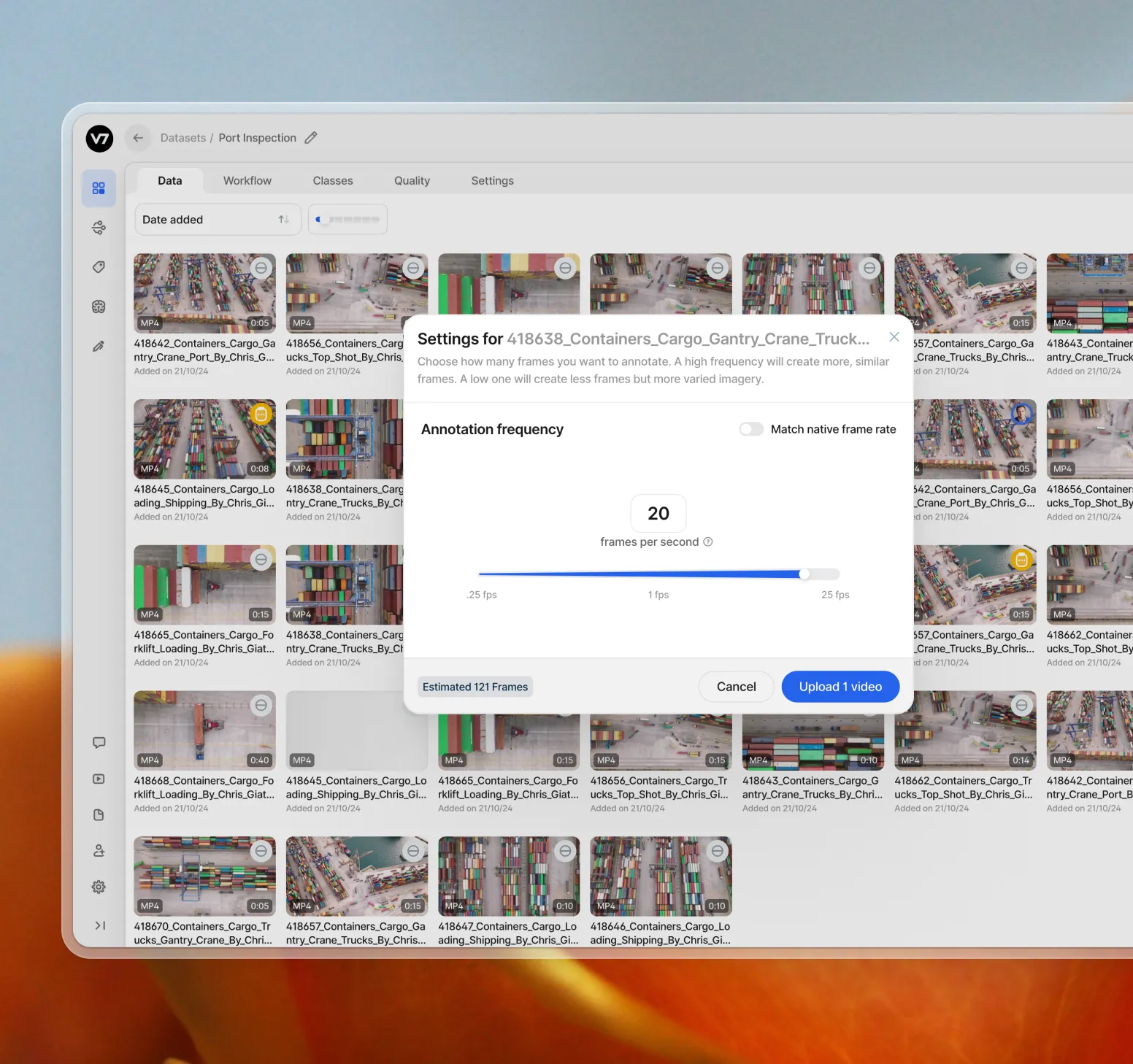
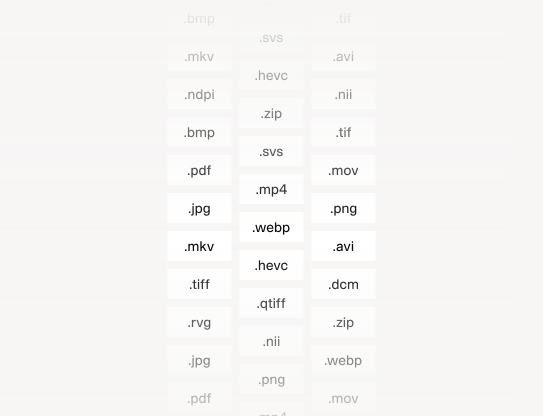
Upload manually or via API
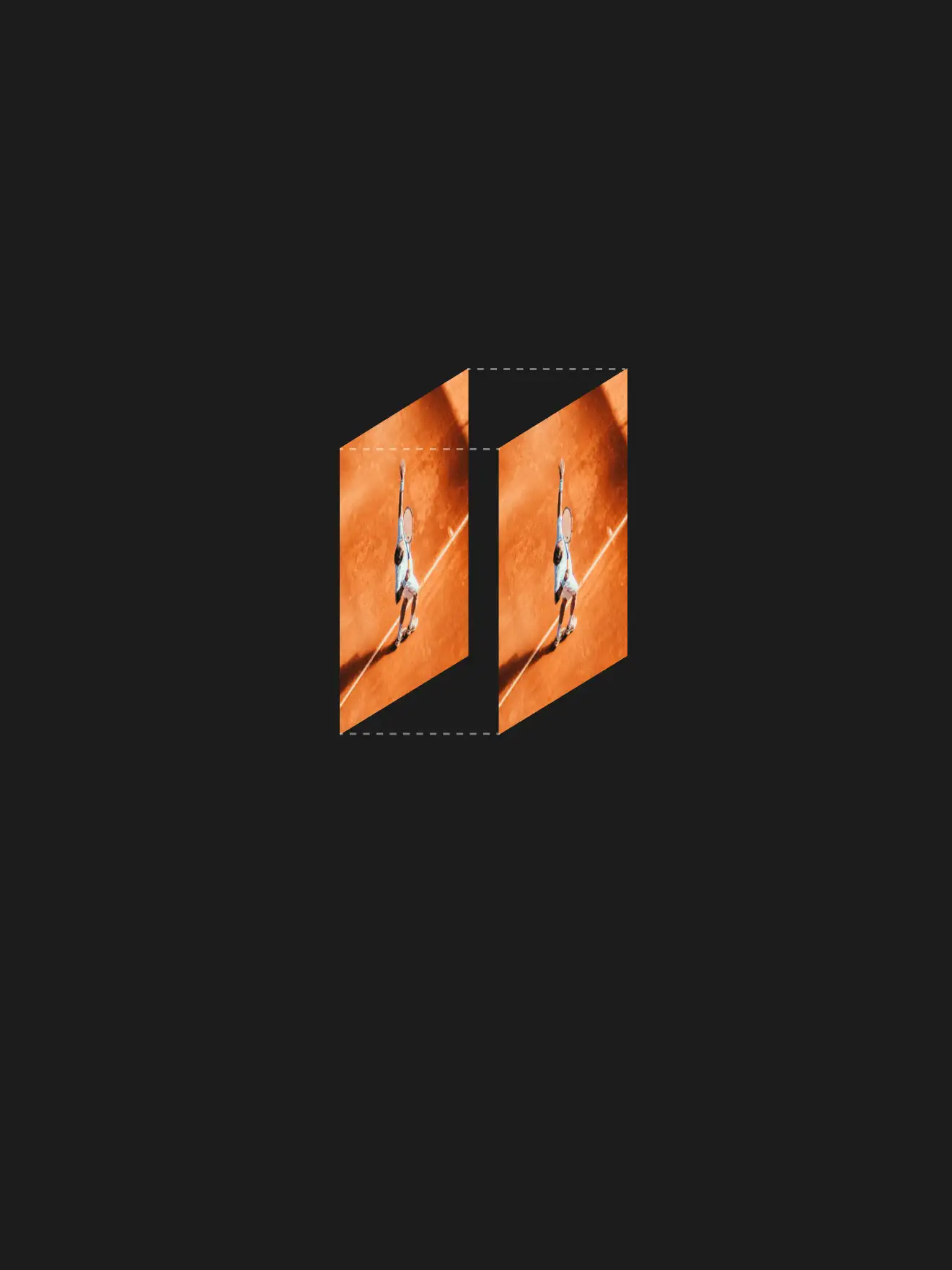
Upload files manually or connect via our API. V7 Darwin accepts all video formats and resolutions. Process large volumes of video data without compromising performance or quality.
02
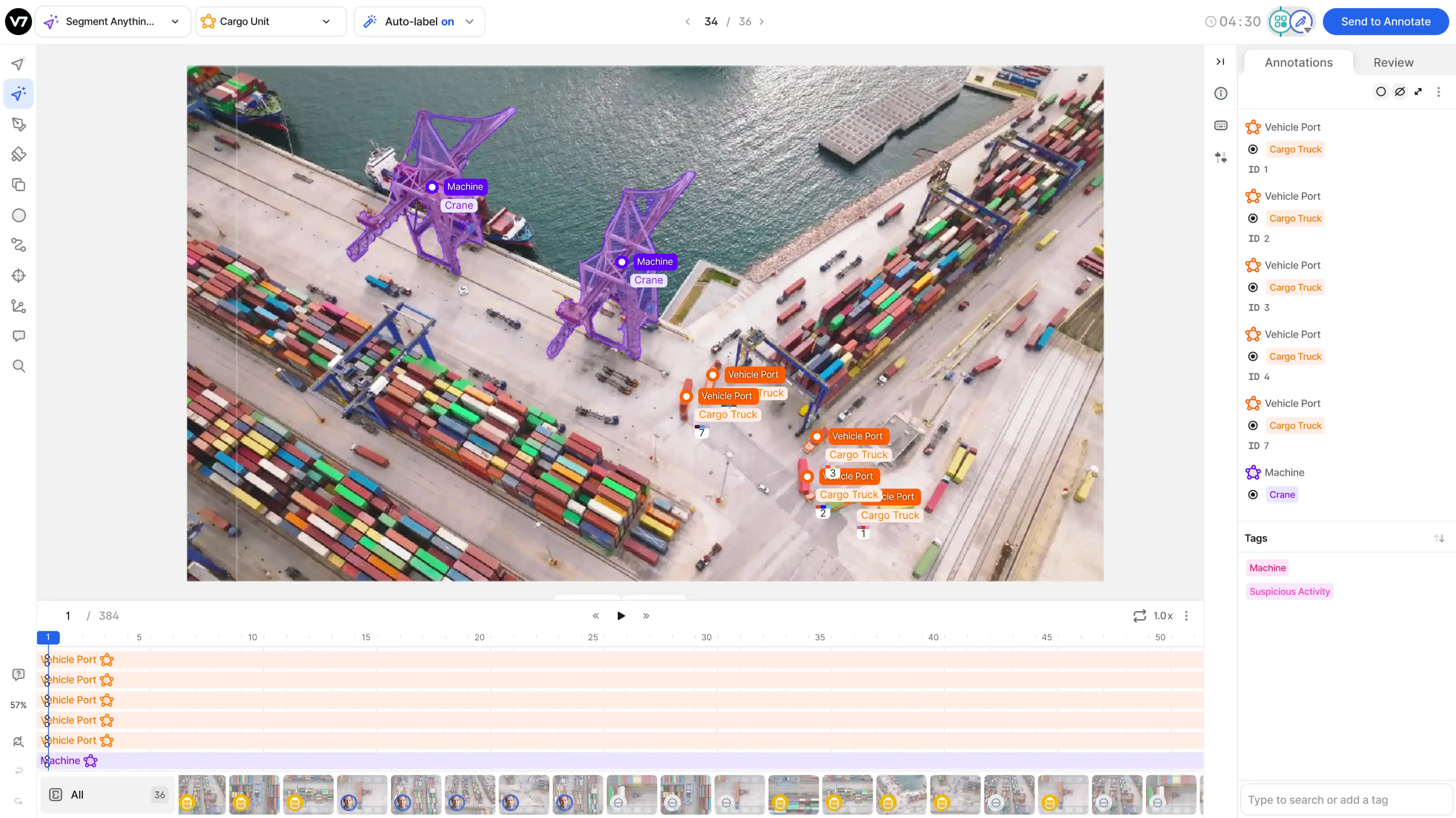
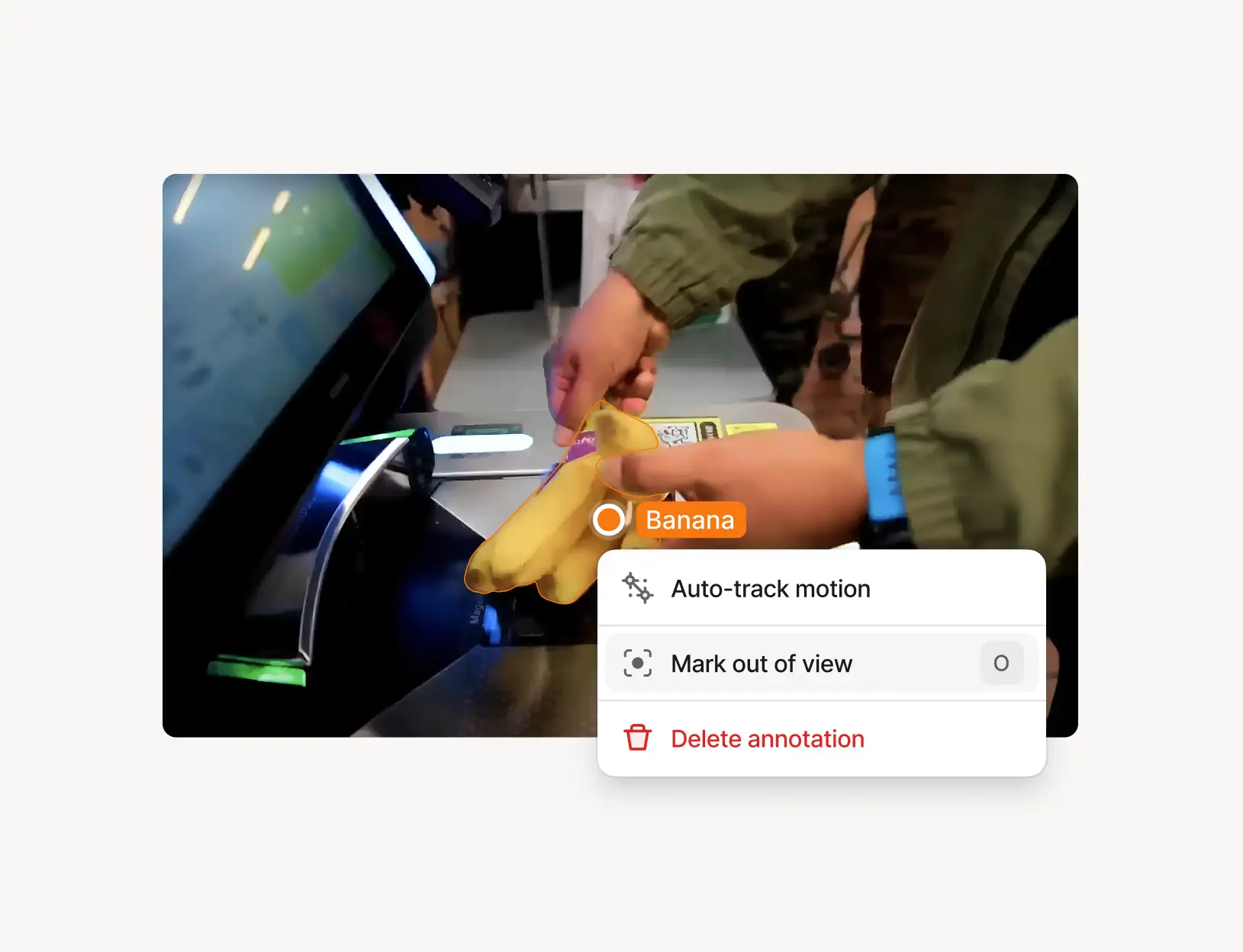
Auto-track for video
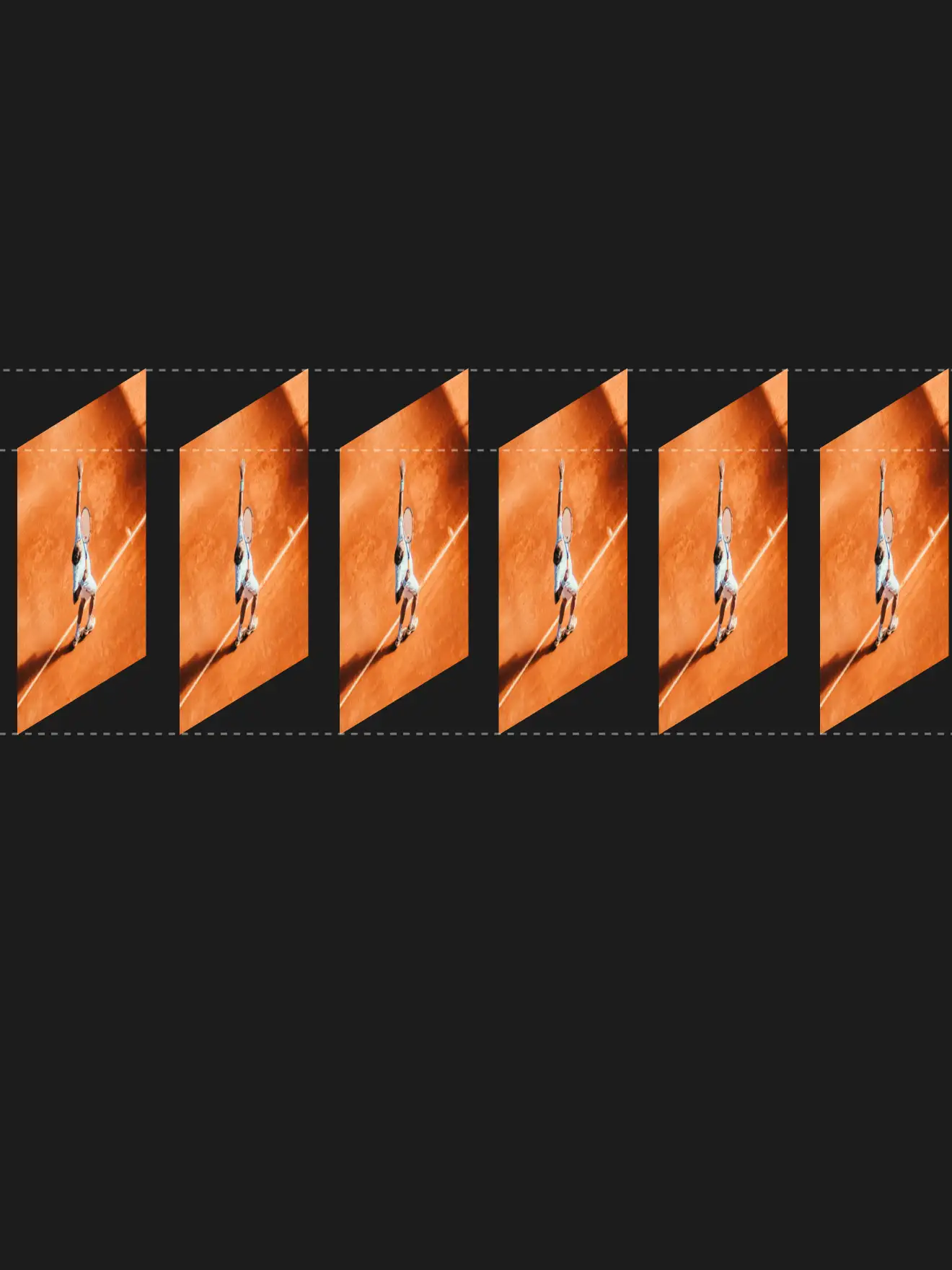
Use pre-trained models like SAM2 to speed up video annotation. Auto-track people and objects across frames, and detect in-view and out-of-view instances to cut the manual labor required from your annotators in half.
03
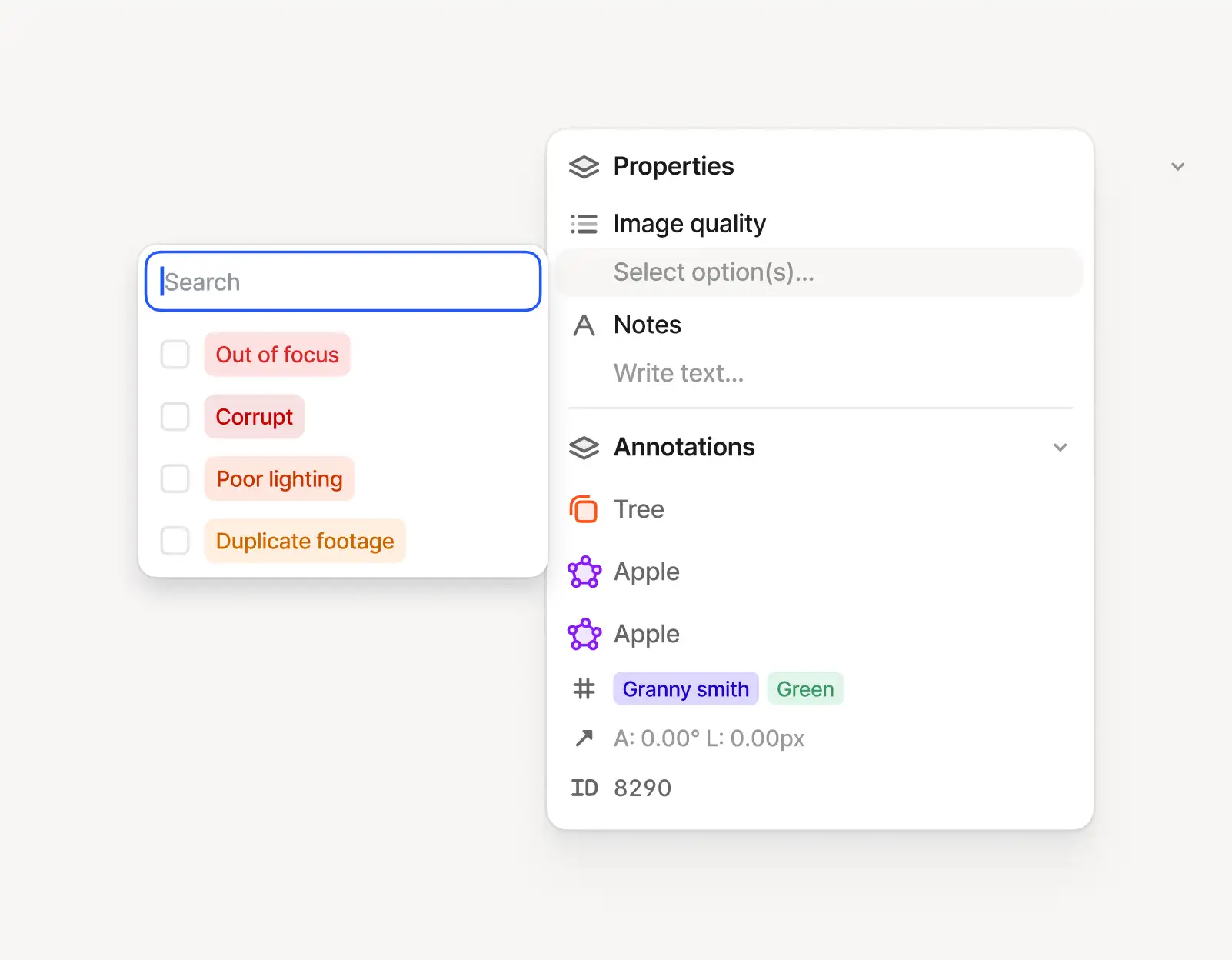
Collaboration ecosystem
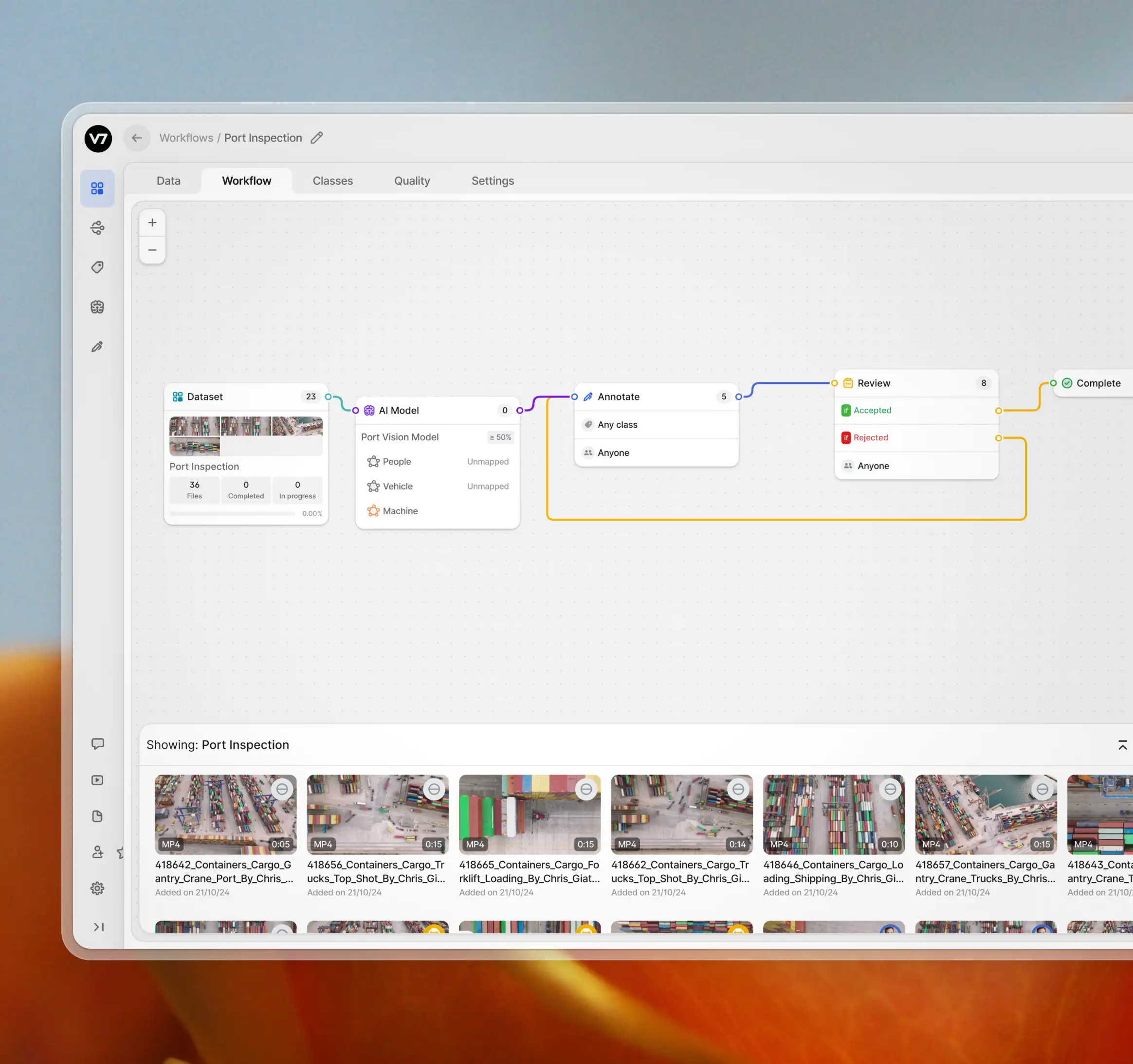
Enable real-time collaboration among team members. Assign roles and design review workflows for centralized quality control. Use reporting to identify bottlenecks in your video annotation process.
04
Streamline AI projects
Control your entire AI development pipeline. Streamline workflows from data ingestion to model prototyping. Scale annotations effortlessly, reduce manual work, and increase accuracy. Empower your team with a comprehensive ecosystem for computer vision projects.







How does Consensus stage work with video annotations?
The Consensus stage assesses the degree of agreement among multiple video annotators by analyzing the overlap between independent annotations. In most cases, however, annotators may add or remove video annotations at different points, making frame-level agreement challenging. For instance, determining the exact frame where an object enters the scene can be subjective. Still, the Consensus stage is crucial for evaluating the degree of overlap for specific keyframes in subsequent QA reviews. Make sure to add a Review Stage immediately after using Consensus on videos.
+
What does FPS parameter mean in the V7 video data import panel?
The FPS value corresponds to the number of frames per second. However, by "frames," we are referring to the frames available for annotation, not all frames in general. This means that V7 does not reduce the frame rate of the video itself. All videos are imported and can be previewed at their native frame rate, but not all annotations are editable at every frame if the video has been imported at a reduced FPS value.
+
What is the best video annotation tool for developing commercial AI products?
V7’s ability to handle various video formats, provide real-time collaboration, and ensure regulatory compliance make it a highly reliable and comprehensive tool for commercial AI development. To compare different functionalities, you can read this guide to best video and image annotation software.
+
How does V7 handle different video formats?
V7 supports all popular video formats including .mp4, .mov, .mkv, and .avi, allowing users to upload videos in their native frame rate without losing quality. Video preprocessing involves mapping imported videos onto the annotation timeline in V7’s annotation panel, but the previews are based on your original file.
+
Are there any limitations connected to video length or quality?
V7 supports both long videos and utilizes proprietary back-end performance boosters for rendering densely annotated videos. At some point, there may be some limitations related to your browser's memory. However, these can be avoided by following best practices, such as designing an optimized annotation class structure.
+
What programming languages and frameworks are compatible with the V7 platform?
You can use V7’s Darwin-py SKD to interact with the platform via CLI or use it as a Python library. The full documentation and API reference is available in the V7 resource hub.
+
Can you handle large volumes of data for annotation?
Yes, V7 is equipped to handle large volumes of data for annotation. It offers efficient and scalable data management capabilities, making it a great solution for organizations with large datasets.
+
How do you handle version control for models and annotated data?
V7 provides version control capabilities that enable you to manage and track changes to your models and annotated data over time. You can also use the export/import feature to revert to previous versions of your annotations if needed.
+
Can you integrate the trained model into our existing system?
The V7 platform allows you to bring your own custom models, hosted on your own infrastructure. You can use them alongside the models trained using V7's own neural networks. The minimal requirements for the custom models are that they must be exposed via HTTP and make predictions in the form of JSON.
+