Jan 15, 2026
Trash and Restore for Agents
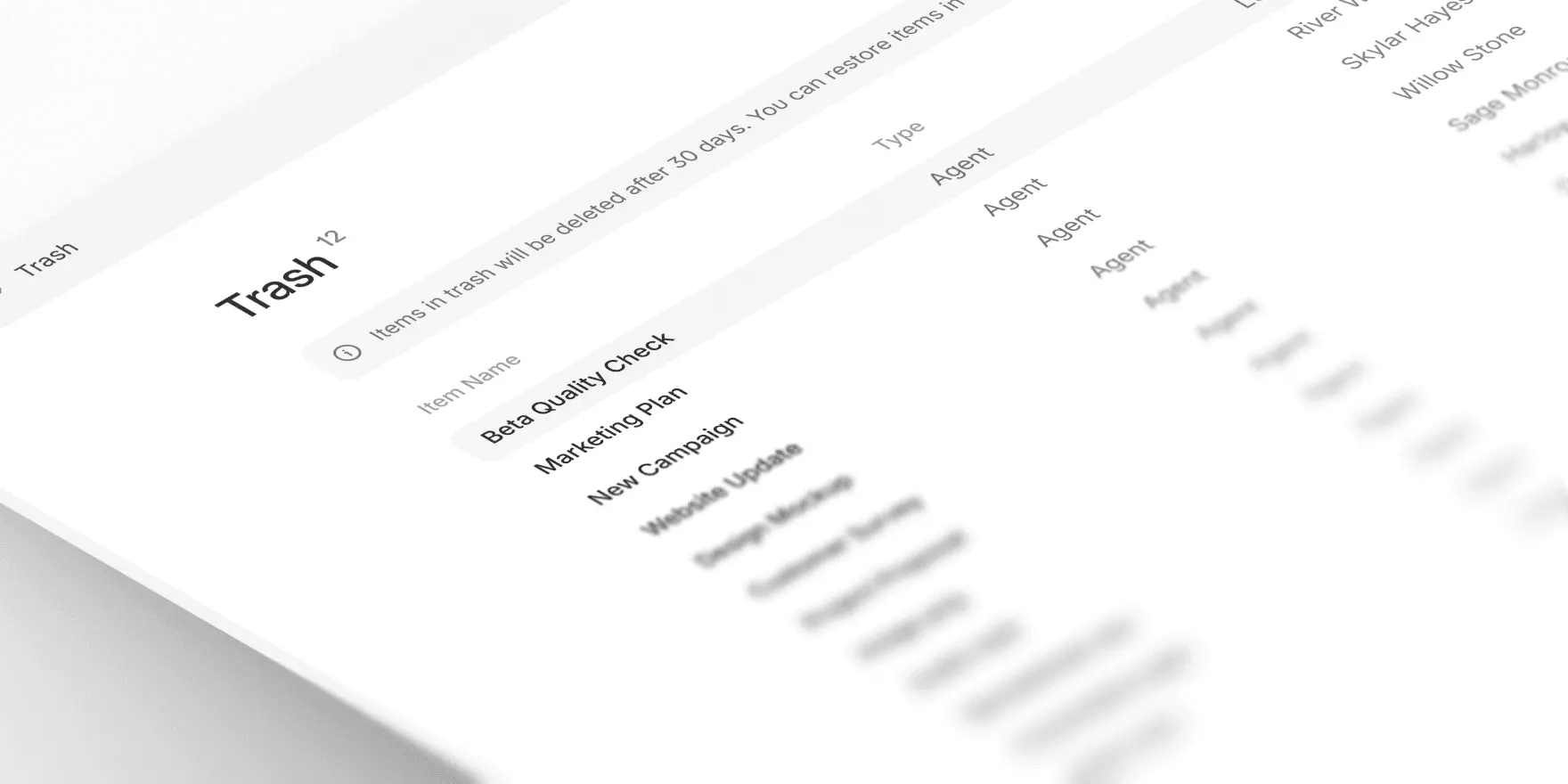
When you delete an agent, it now moves to a new Trash section instead of being permanently deleted. You have 30 days to restore it before it's gone for good.
The new Trash page shows all deleted agents in your workspace with details on who deleted them and when. From there you can:
Restore agents to any folder in your workspace
Permanently delete agents if you need to free up space immediately
Sort by name or deletion date
To access trash, click your workspace icon in the top-left corner and select "Trash" from the menu.

Andrea Azzini
Head of Product
