Sep 17, 2024
Project-level permissions and User roles
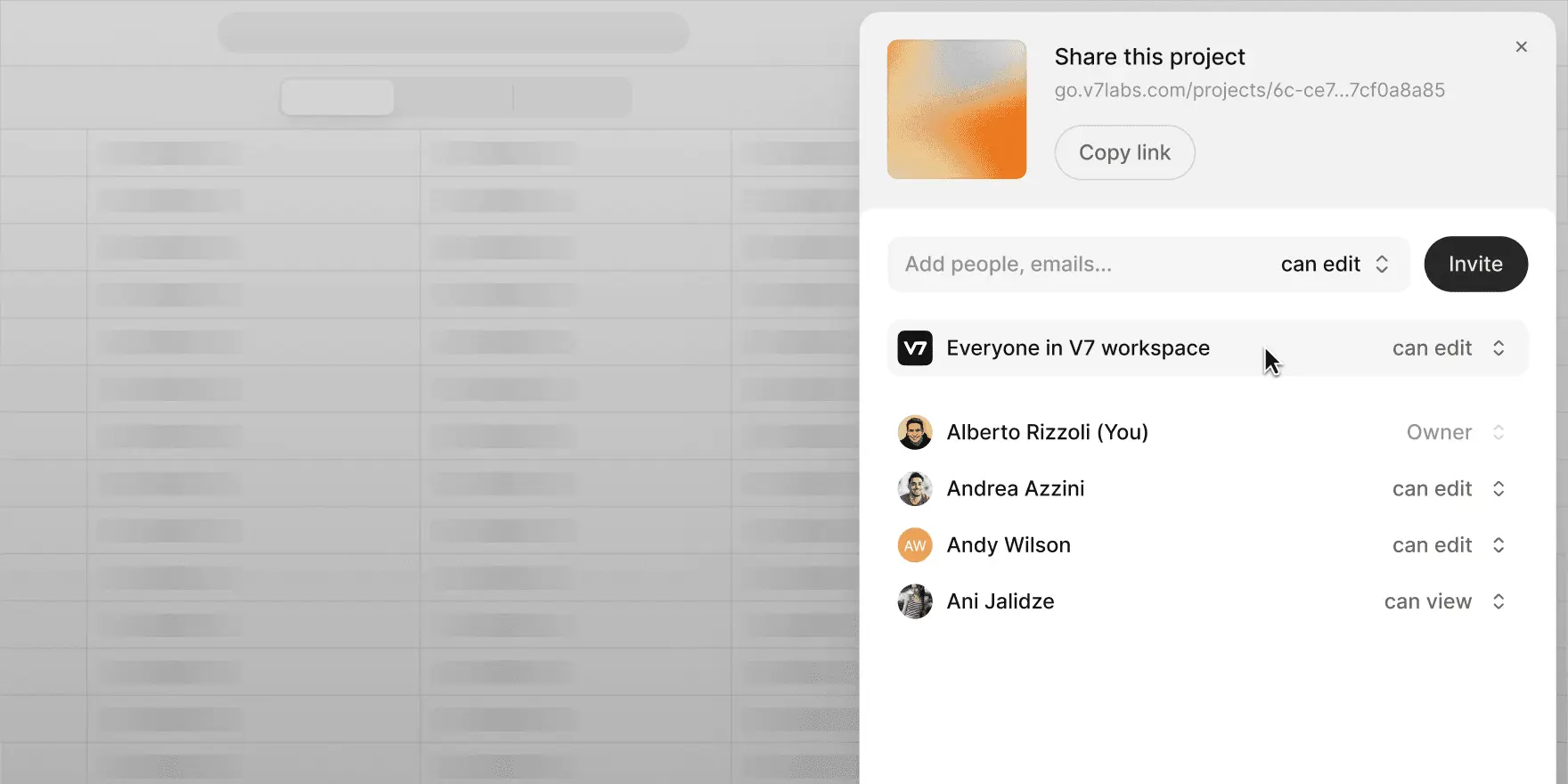
V7 Go customers now have better control over project access and editing rights. Set projects as private or public, and assign specific view or edit permissions to members with the User role to prevent accidental edits.
Keep your most sensitive projects hidden from the rest of your team
Add colleagues or external users as project viewers, removing the risk of accidental edits
Invite new workspace users directly to a project within V7 Go
Admins and Owners still have full project visibility. Check out our documentation for more details.