Apr 25, 2025
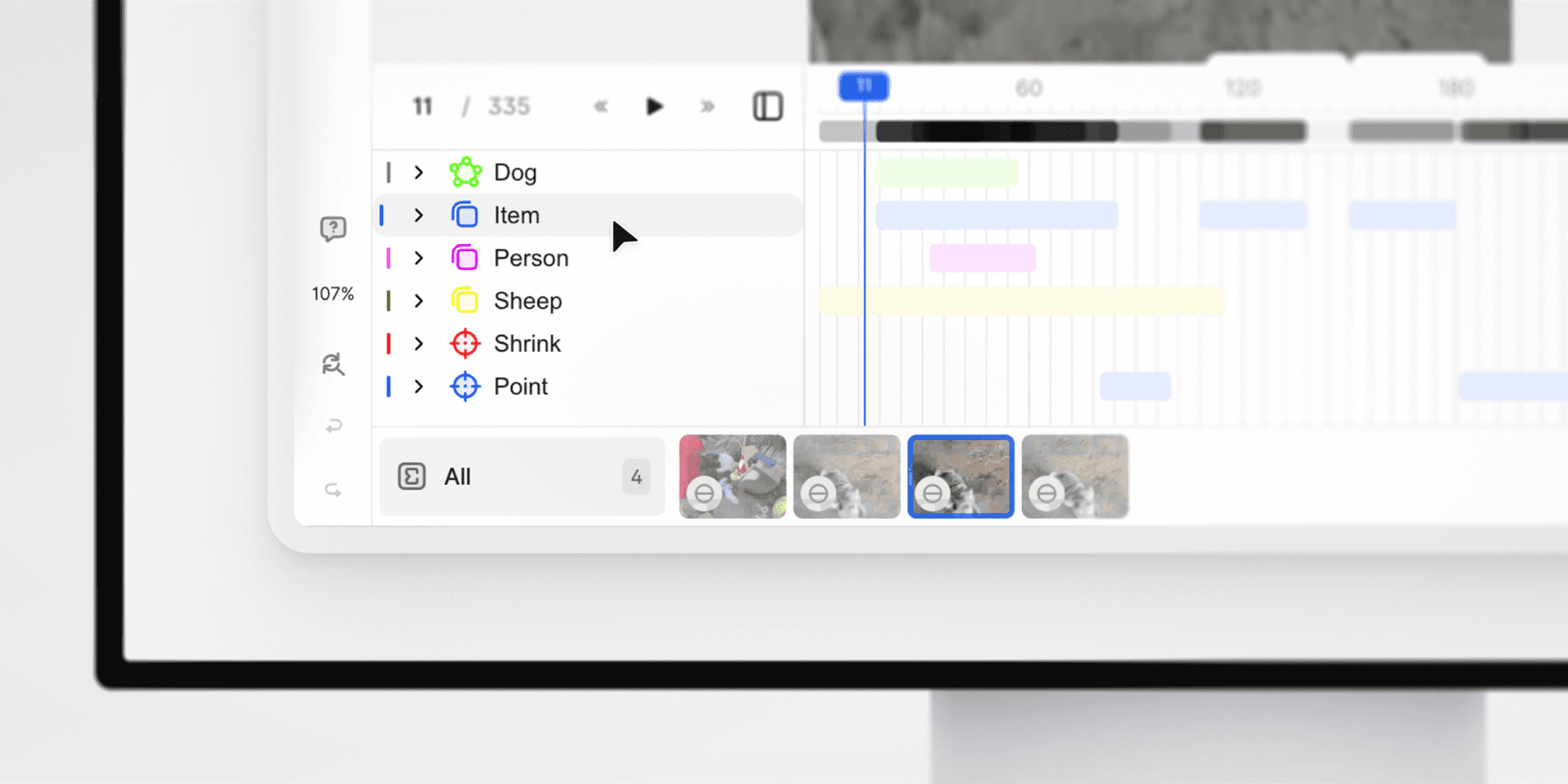
V7 Darwin now includes Timeline Summary, a new feature designed to give you a high-level overview of your video annotations. With the timeline mode enabled, you can quickly review annotation coverage, navigate large files, and streamline your review process.
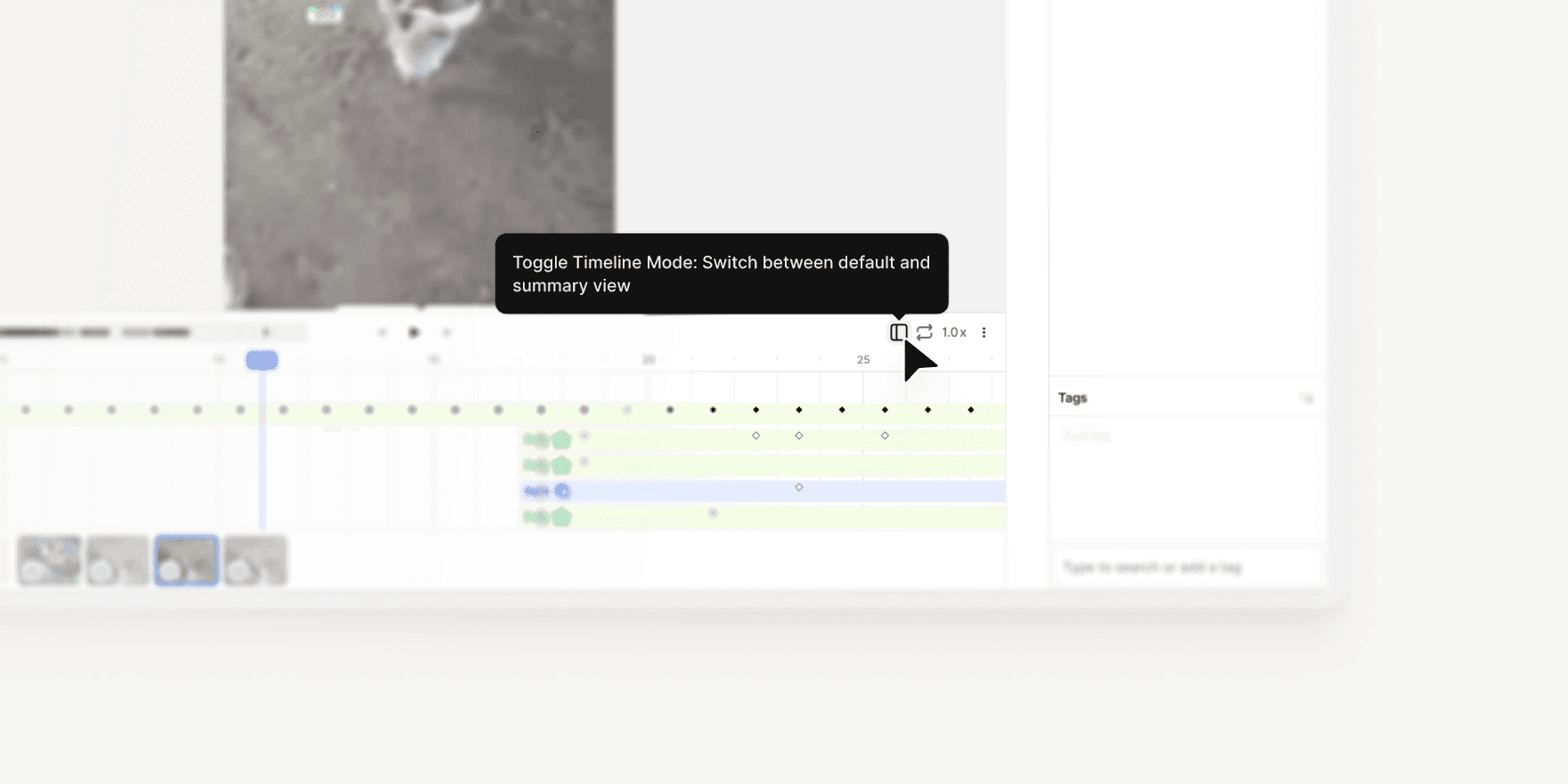
Access with Shift + D: Open Timeline Summary Mode using the new button on the right-hand side of the interface or the hotkey Shift + D.
Summary by Class: Annotations are grouped by class on the left panel. Expand any class to view individual annotations and their frame ranges.
Click to Jump: Click once on an annotation to navigate to it, or double-click to open it in the regular timeline.
Read-Only Mode: The summary timeline is read-only to prevent accidental edits. However, you can continue to edit annotations in the canvas and layer bar.
Clean View: Keyframes and detailed elements are hidden from the summary view, providing a clear, scannable overview.
Heatmap Overview: A heatmap at the top of the timeline shows annotation density across the video, with the zoomed-in section highlighted in blue for easy orientation.
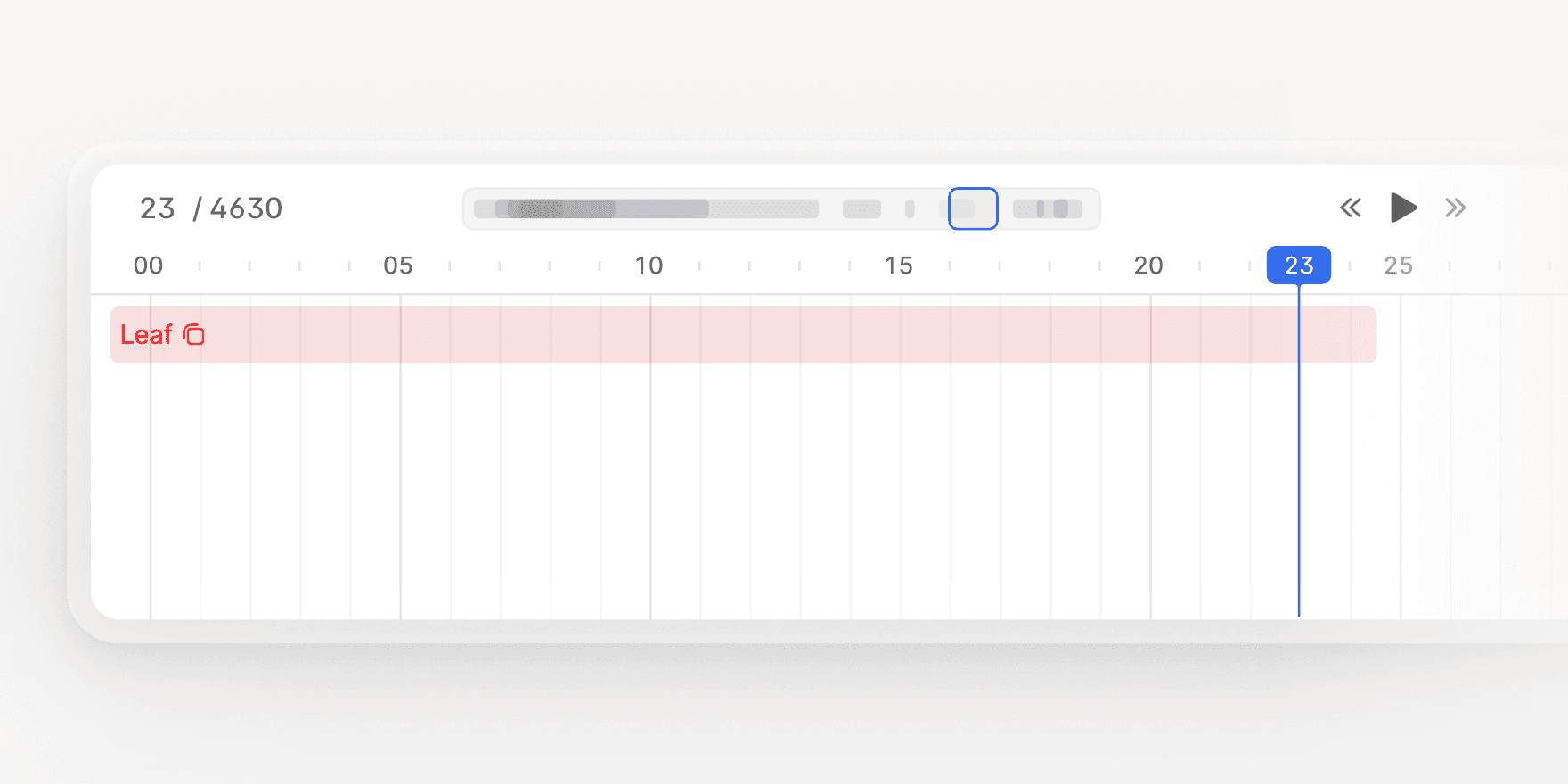
Timeline Summary Mode makes it easier to navigate, audit, and review video annotations, especially for large or complex files.
Learn more: V7 Darwin Documentation

Jade Yip
Senior Product Manager