Medical AI























Enabling life-changing breakthroughs.
V7 powers the best healthcare companies.
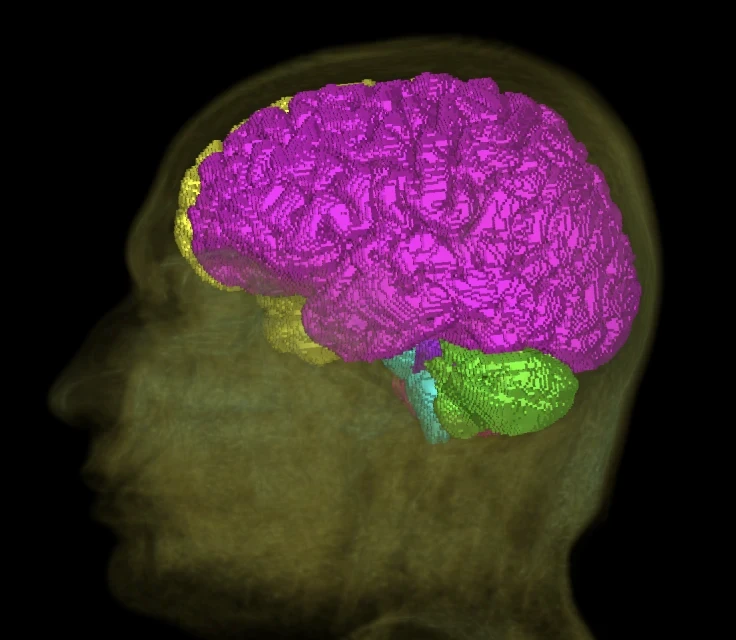
CT and MRI
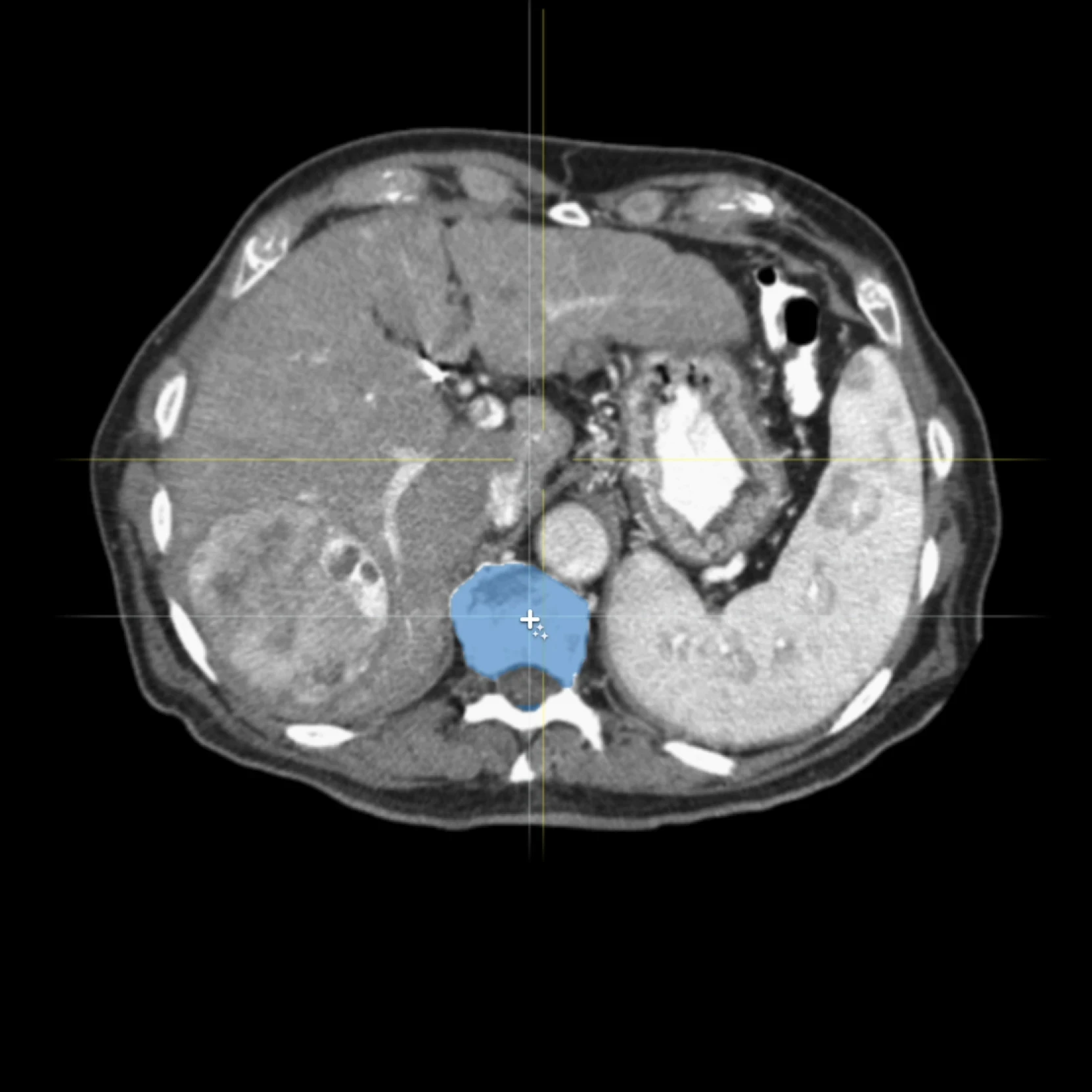
Healthcare companies use V7 to build AI for breast cancer detection, lung nodule identification, and more.
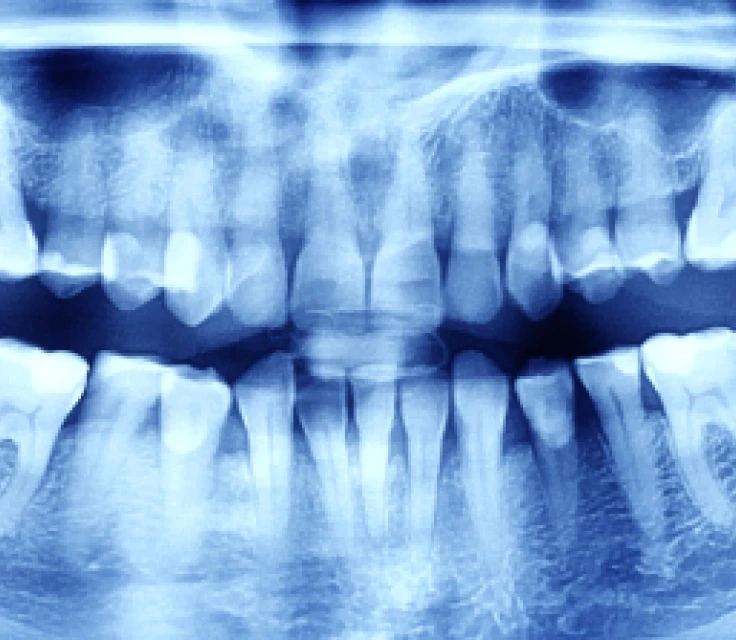
X-rays
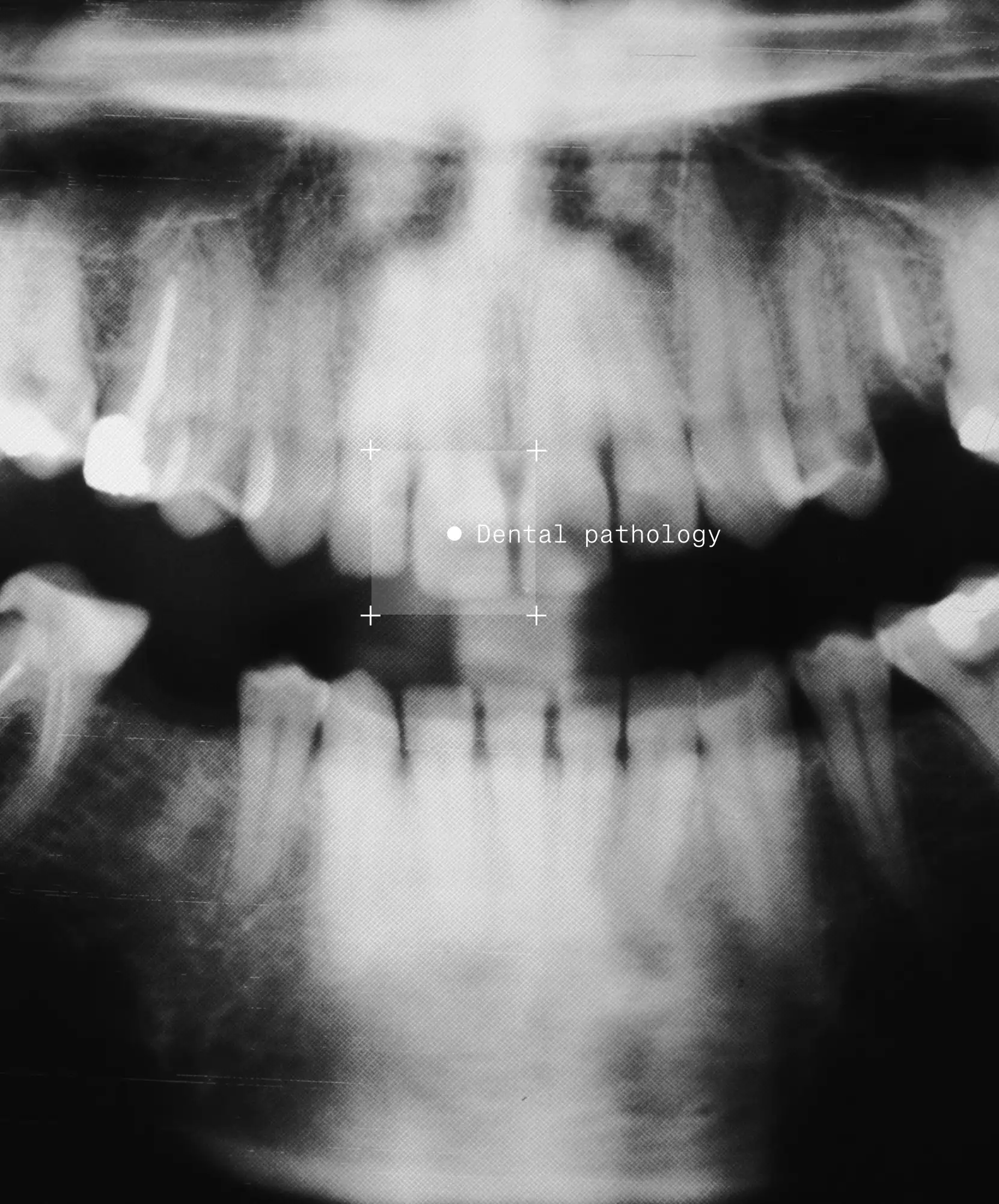
Healthcare companies use V7 to build AI for identifying bone fractures, dental caries in panoramic X-rays, and more.
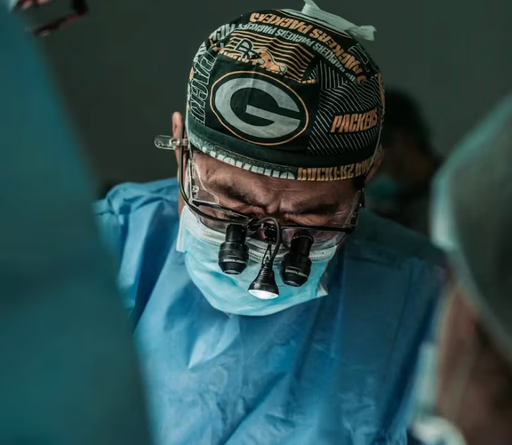
Surgery
Healthcare companies use V7 to build AI for smart endoscopic surgery tools, fluoroscopy, and more.
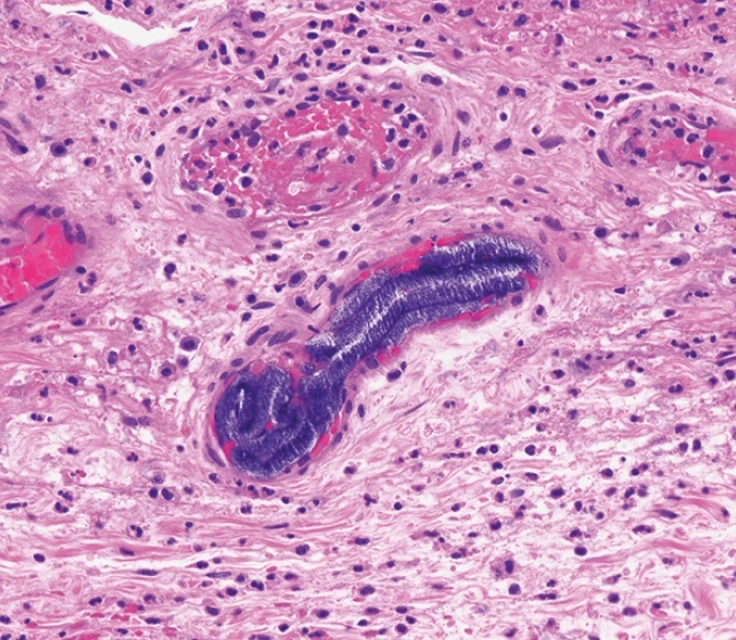
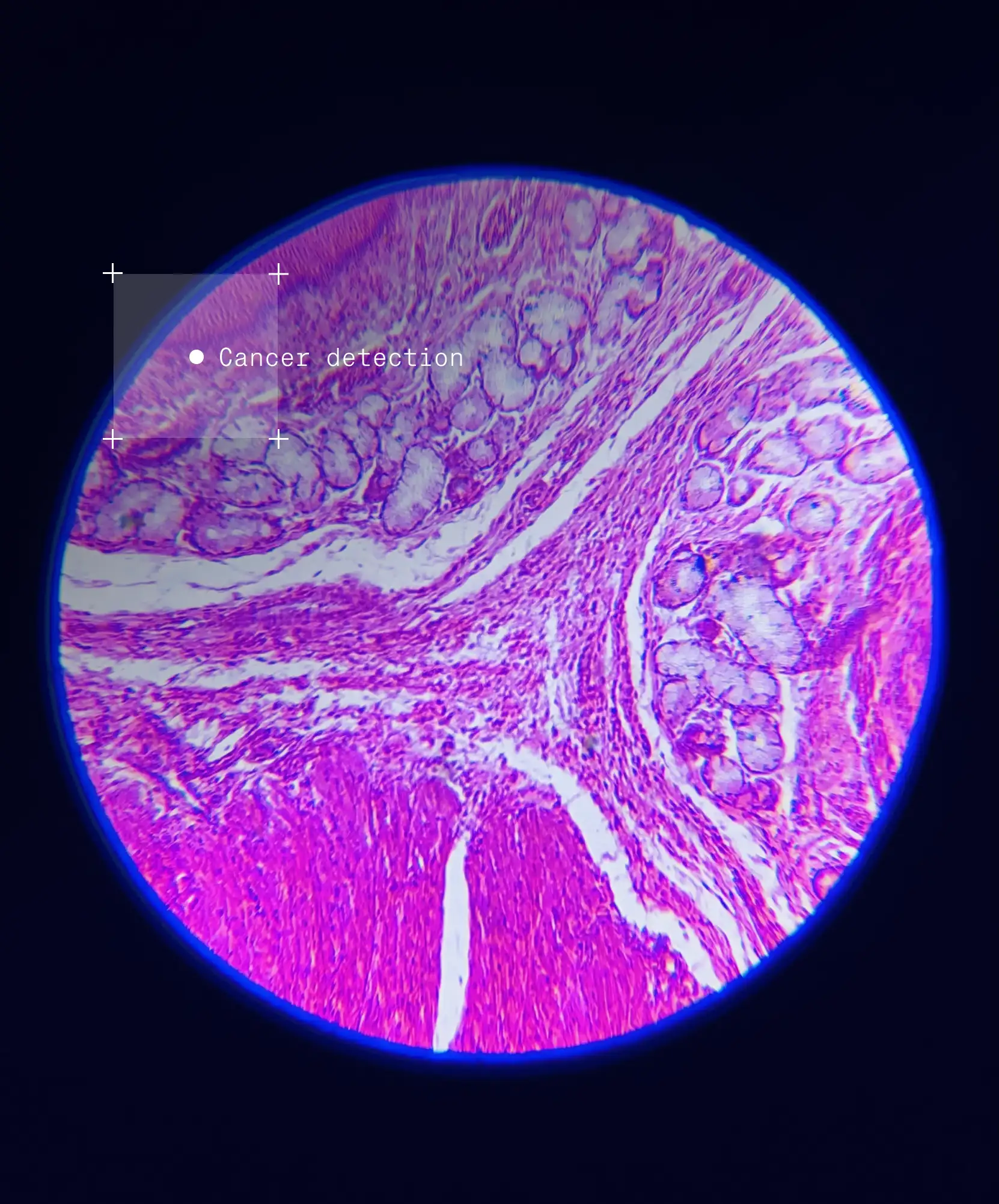
Microscopy
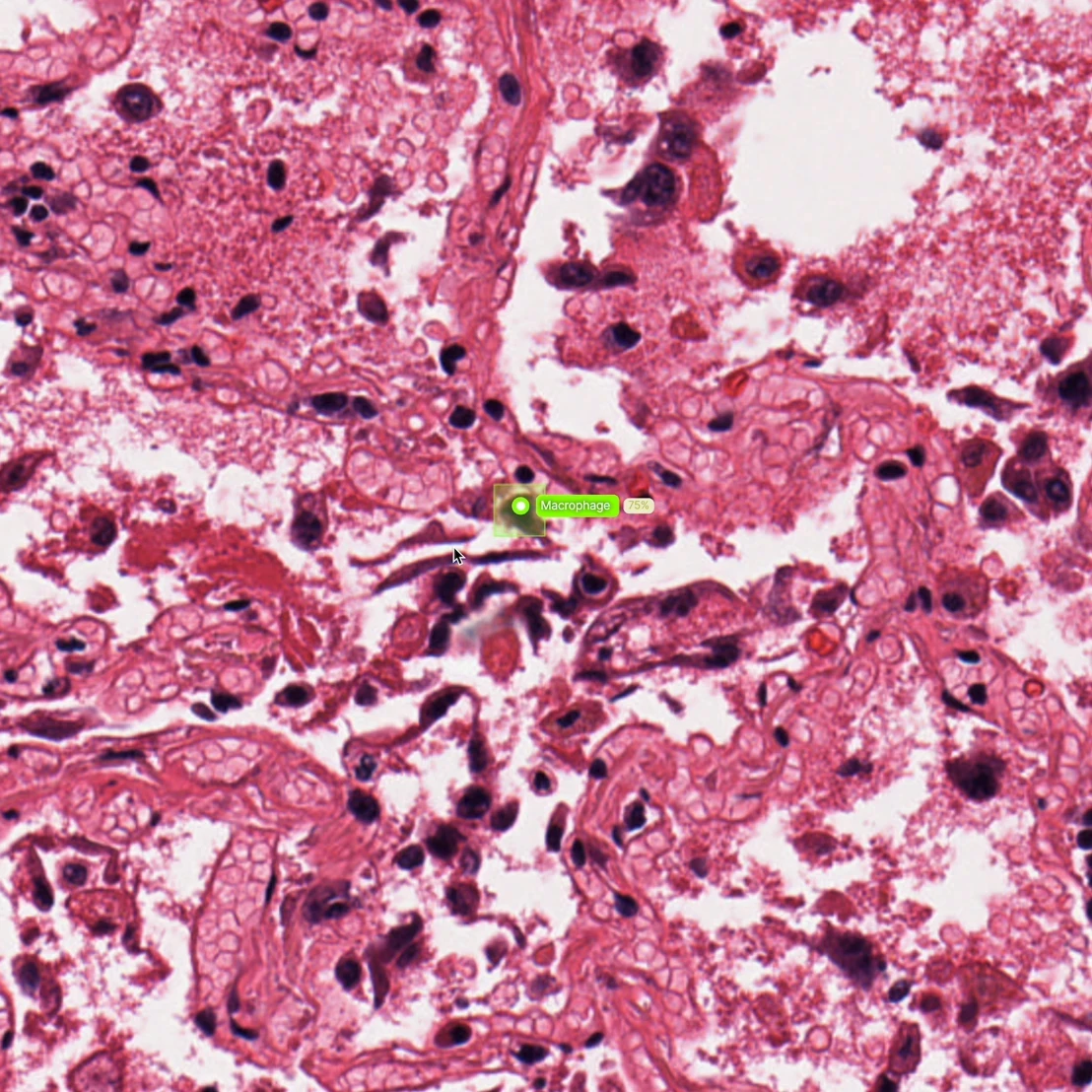
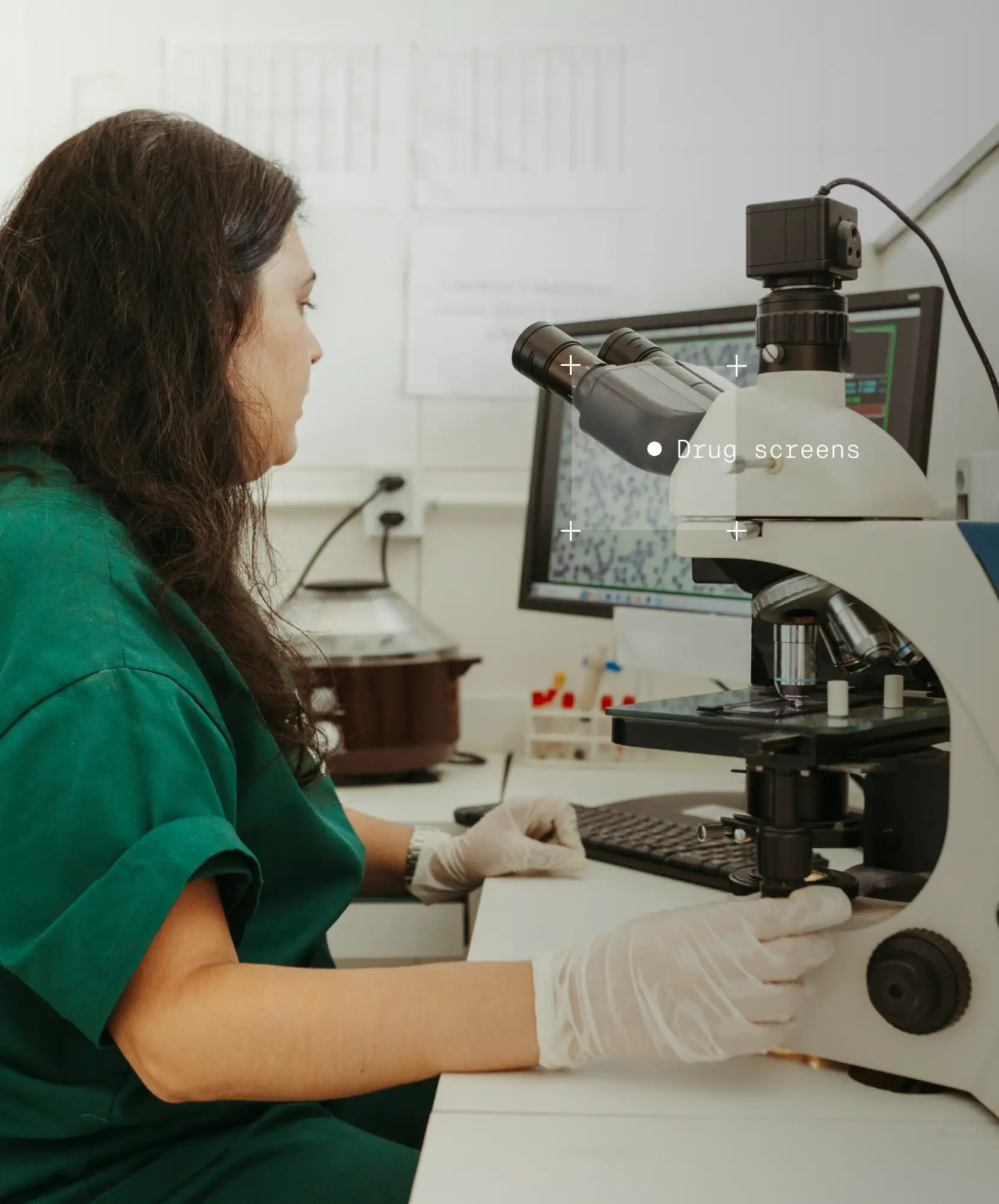
Healthcare companies use V7 to build AI for cell counting, classification in pathology slides, live cell imaging, and more.
Medical records
Healthcare companies use V7 to tag, organize, and extract data from medical records, reports, and academic papers.
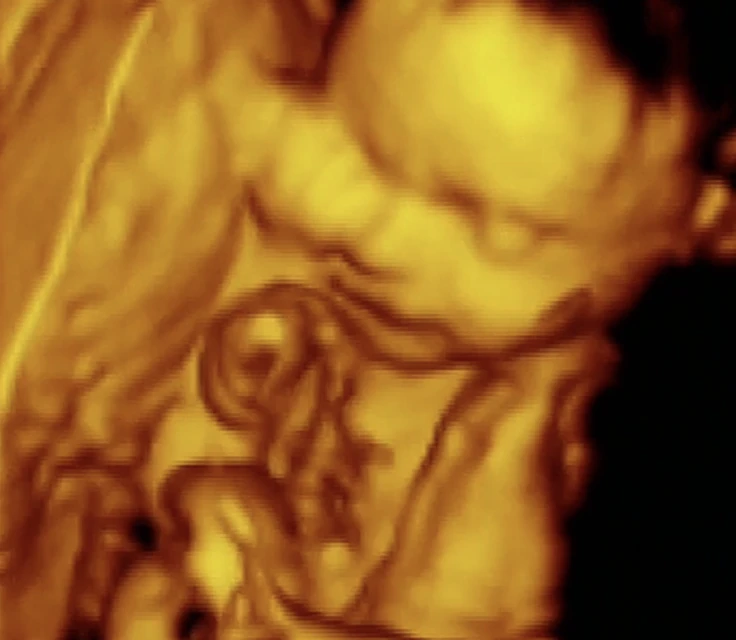
Ultrasound
Healthcare companies use V7 to build AI that supports pre-transplantation examinations using ultrasound.


“Visibility on metrics in V7 is very helpful to us, and it's something we didn’t have in our internal solution.”
Andrew Achkar
Technical Director at Miovison

“V7 is great. The API is very straightforward to use, so we can easily get data into our system.”
David Soong
Director, Translational Data Science at Genmab


“We conducted extensive research of annotation tools and ultimately chose V7.”
Maleeha Nawaz
Manager of Quality and Data Curation at Imidex
File formats
DICOM and NIfTI support
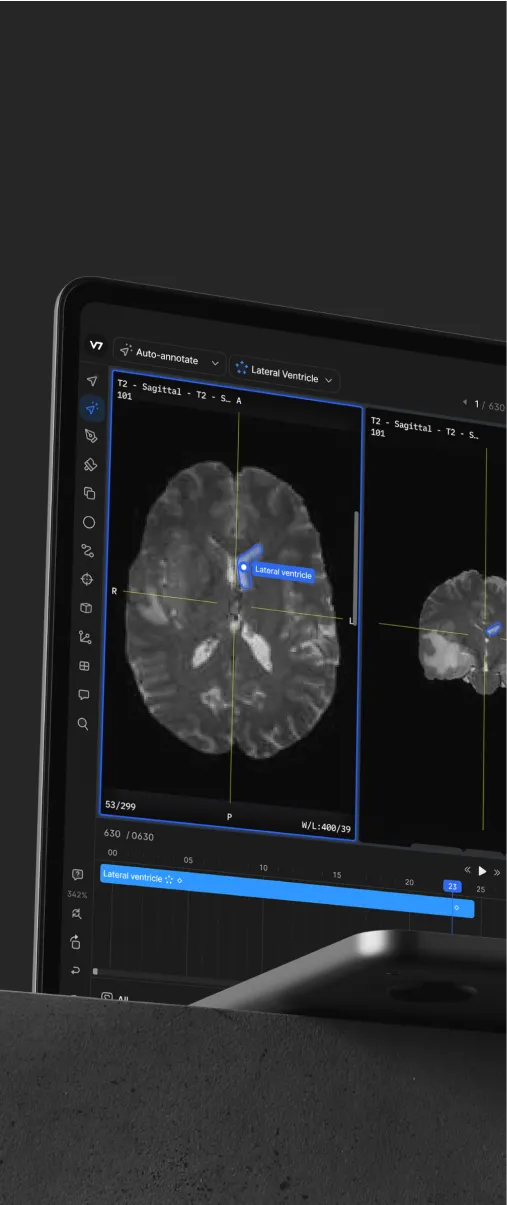
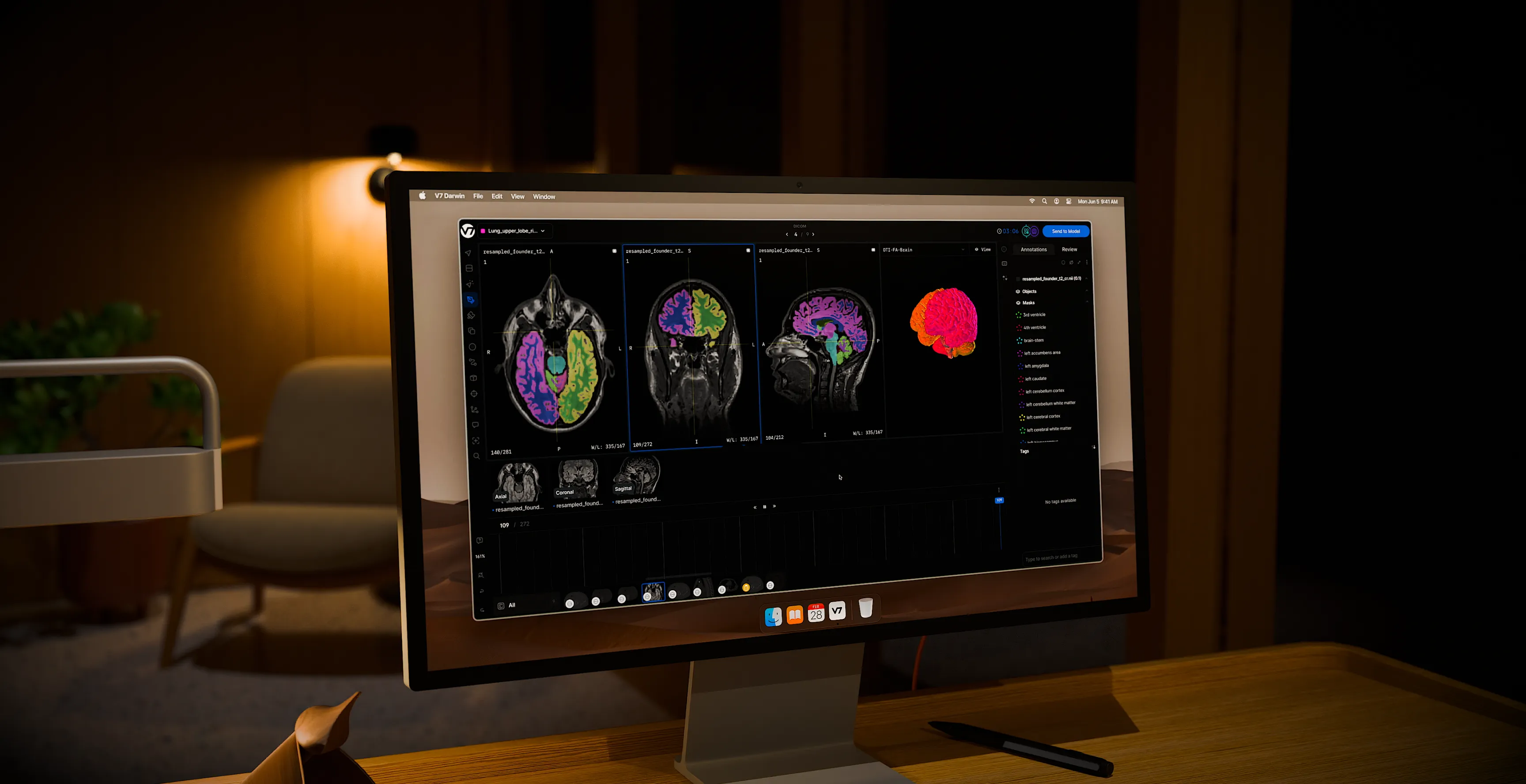
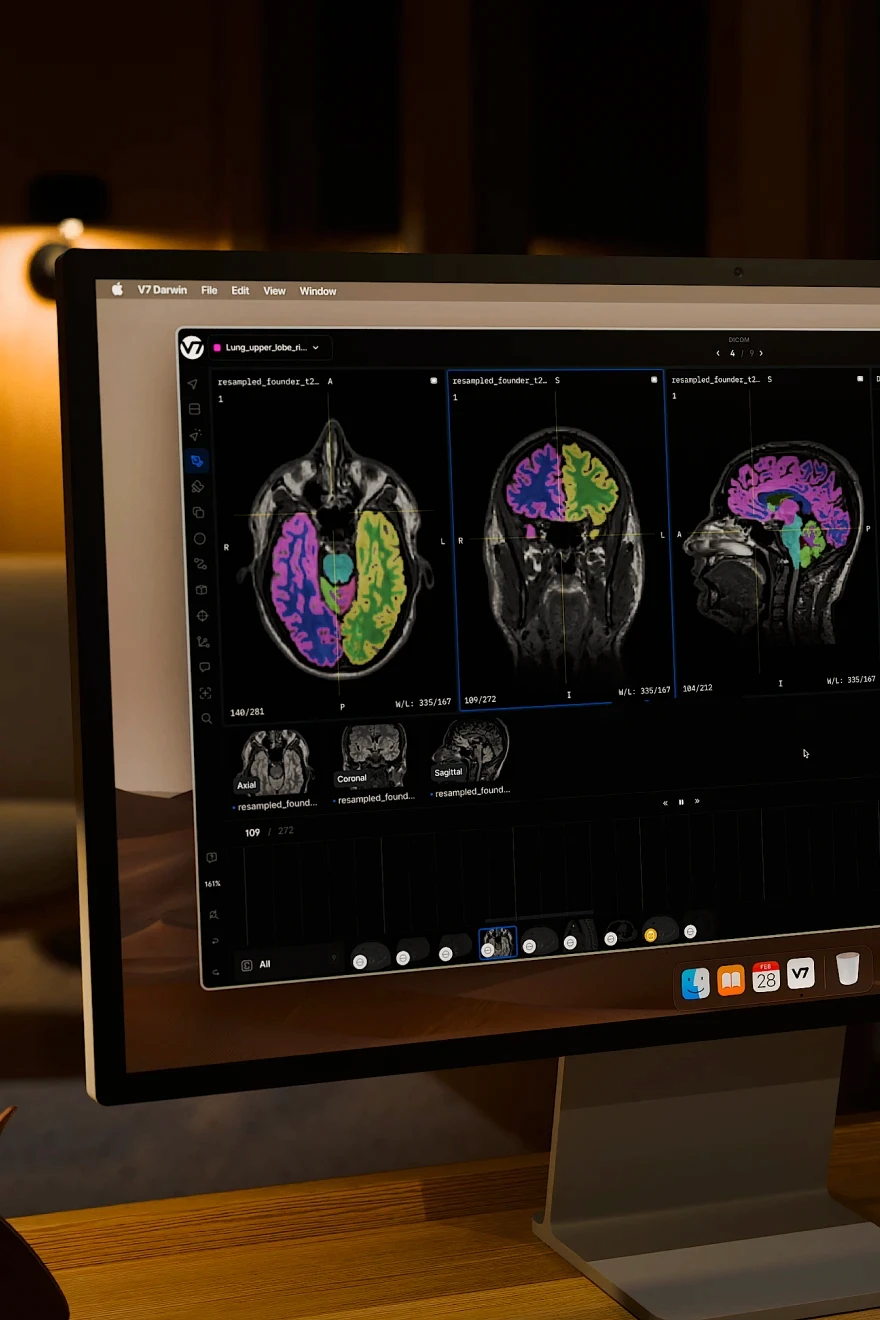
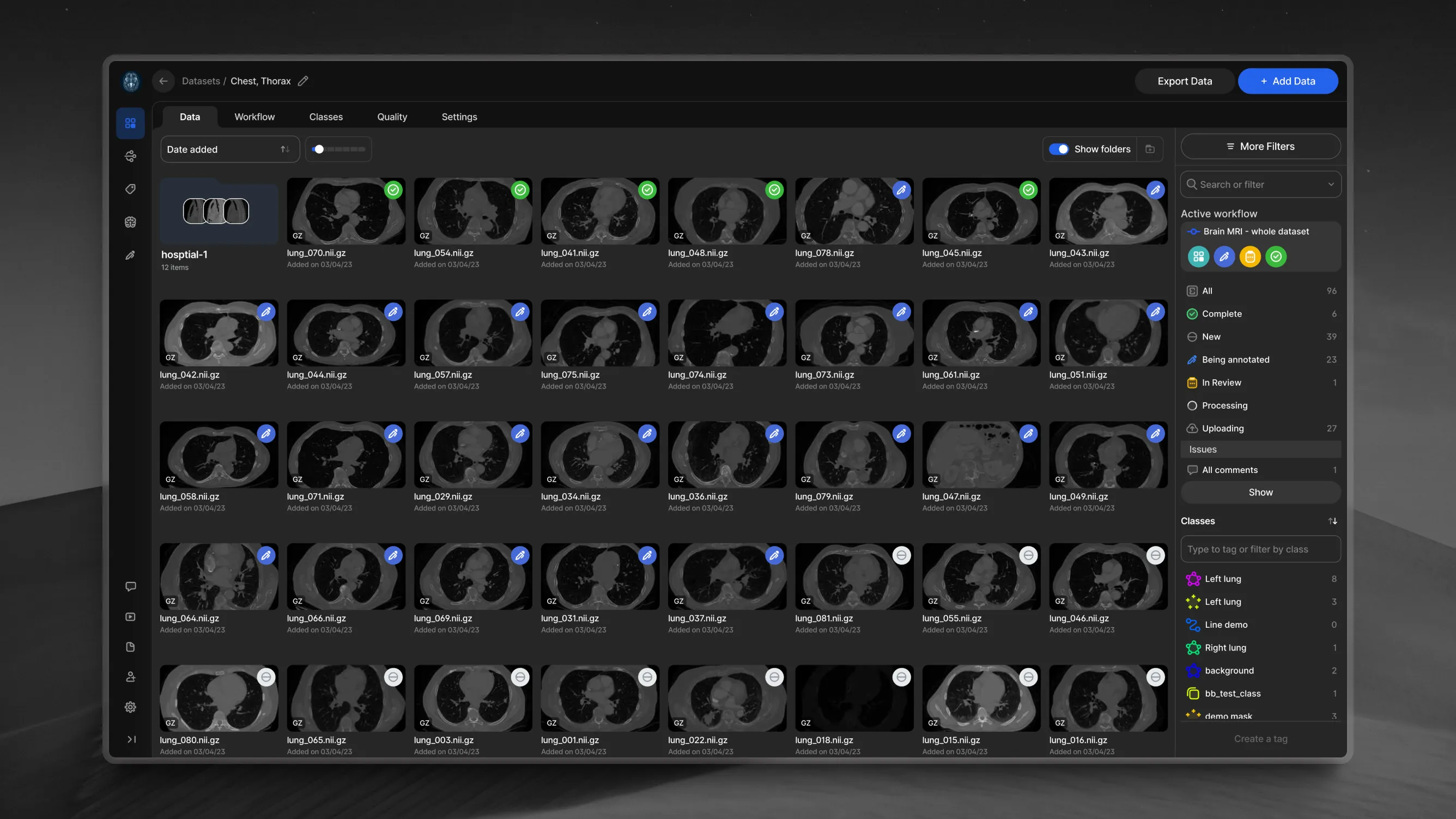
Explore advanced visualization tools like oblique plane views, precise crosshairs, and 3D reconstructions. Adjust windowing, switch between MPR views, and interact with volumetric data in cinematic 3D for in-depth analysis.
Whole slide imaging (WSI)
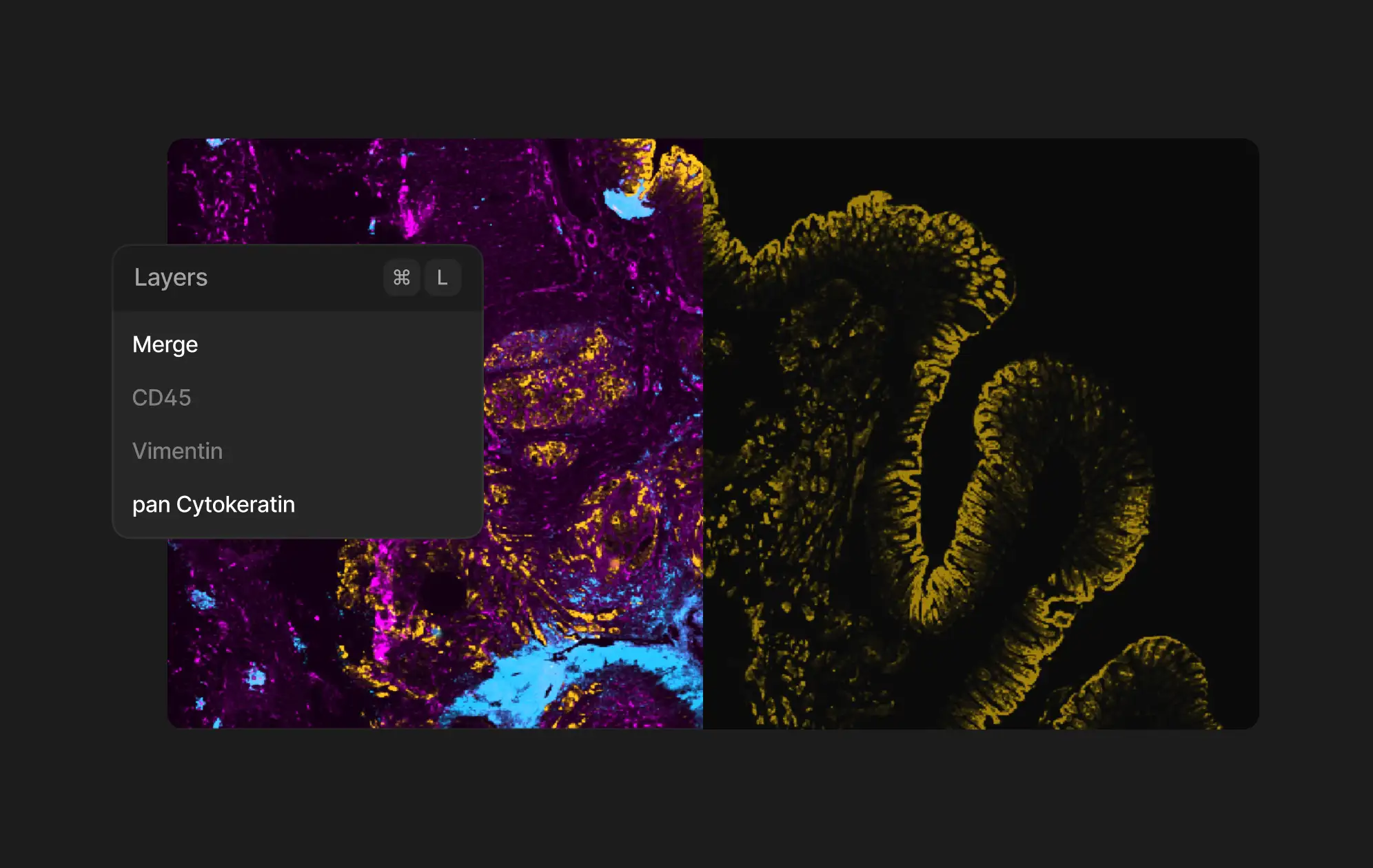
Navigate and annotate high-resolution microscopy images at any zoom level with precision. Unlock insights from multi-layer samples with different stains or fluorescence channels. Improve your histopathology workflows with powerful digital pathology tools.
Surgical and ultrasound videos
Customize playback speed and synchronize multi-camera surgical setups. Accelerate video annotations with auto-tracking for objects that change position across frames. Automatically detect in-view and out-of-view objects, and track instances across long videos.
Multi-slot and multi-channel data
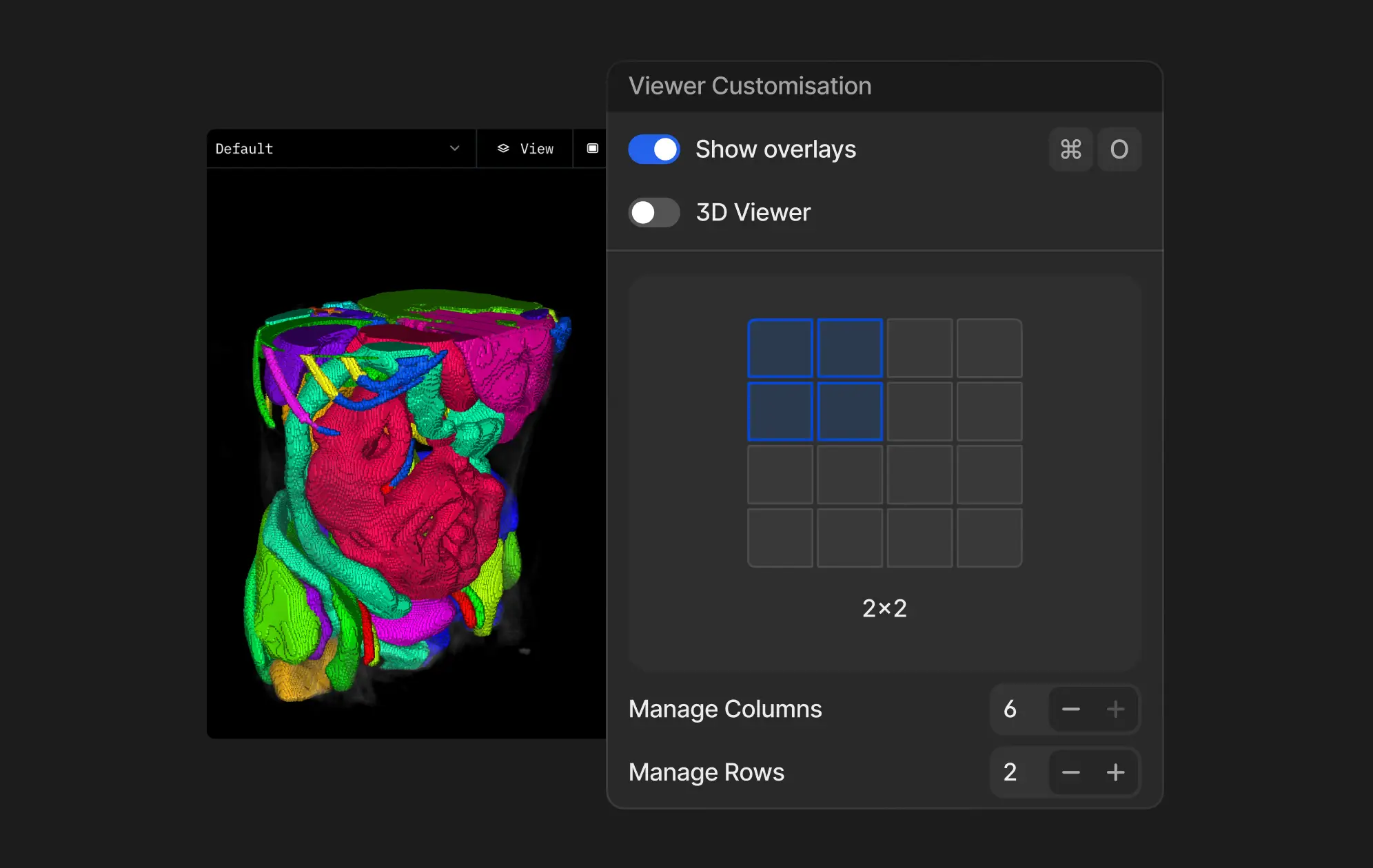
Create custom layouts to compare different imaging modalities or time points. Use hanging protocols and presets for analysis of complex medical studies. Import images with multiple overlays and easily navigate between layers or views using shortcuts.
Automated labeling
Features
V7 DICOM annotation viewer combines familiar tools with advanced AI features to enhance your medical imaging workflow. Explore multiplanar reconstructions, cinematic 3D, and auto-segmentation tools that bring your data to life.
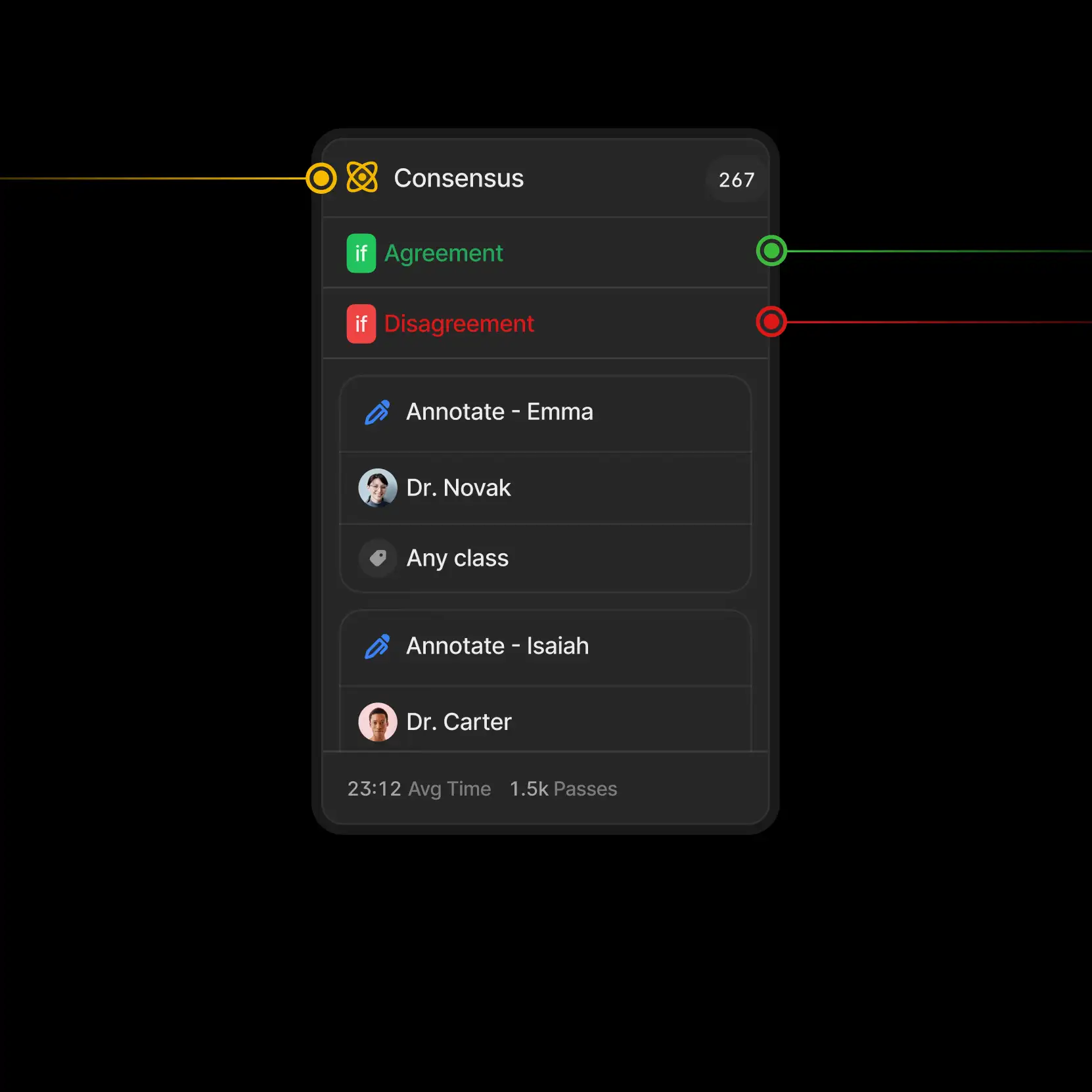
We've improved the standard viewing experience with practical collaboration tools. Add comments directly on images, volumes, or videos. Share feedback in real-time, and use the Consensus feature to measure agreement between annotators and resolve issues.
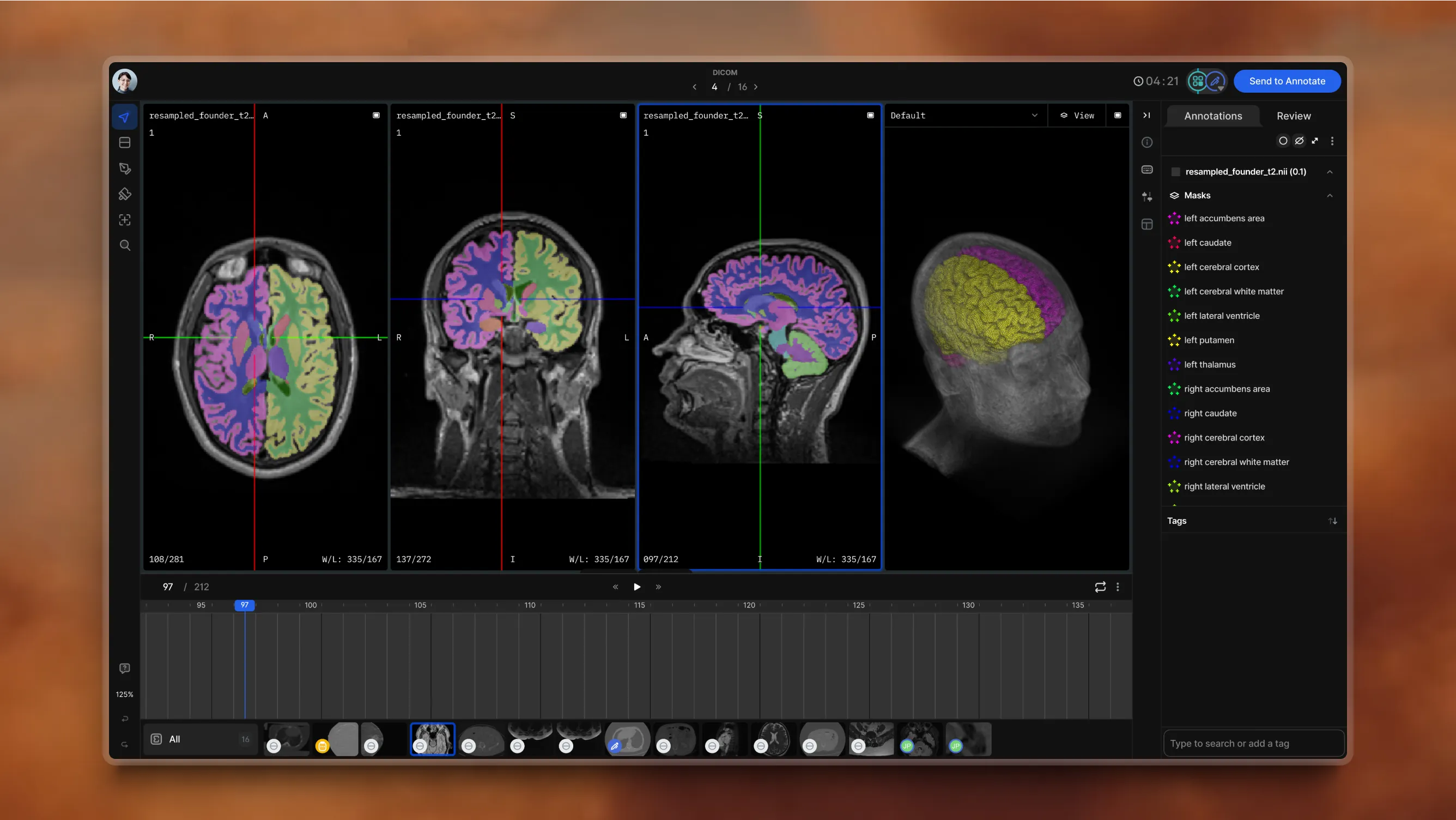
Multi-planar views
Visualize complex anatomy from multiple angles, including oblique plane support
Flexible hanging protocols
Customize and replicate preferred layouts for consistent viewing
Multiple channel support
Analyze different layers of your pathology samples
Cinematic 3D rendering
Use presets, zoom in, and rotate to see structures with clarity
3D voxel support
Create volumetric pixel masks with brushes or AI tools
Intuitive timeline navigation
User-friendly interface for navigating between slices or video frames





Labeling services



Which programming languages are compatible with the V7 platform?
The V7 platform for medical imaging annotation is compatible with Python. You can use V7's Darwin-py SDK to interact with the platform via the command line interface (CLI) or use it as a Python library. You can find the full documentation for Darwin-py here.
+
What is the pricing for V7's DICOM annotation services?
The pricing for medical image labeling services in V7 can vary depending on factors such as the complexity of the task, the volume of images to be labeled, and the level of accuracy and expertise required. Fill out the Get a Quote form on our website for a more accurate estimate based on your specific needs.
+
Do I need any special hardware to use V7 for DICOM annotation?
There are no special requirements beyond a reasonably modern computer and a stable internet connection. You will need Windows 10, or MacOS Monterrey or above. Also, to avoid performance drops, at least 8GB RAM is needed. V7 supports DICOM natively in 16-bit, which allows you to view images at their original quality. Additionally, V7 offers windowing features that enable you to see beyond what your monitor can typically display.
+
Which formats are used for DICOM annotations in V7?
When exporting annotations, it is recommended to use Darwin JSON 2.0 format or NIfTI format. In Darwin JSON 2.0, annotations from each plane are saved in separate slots, and in NIfTI, exported annotations can be viewed in external 3D NIfTI viewers.
+
What are the best practices for annotating DCM files?
One of the most important parts of successful medical imaging annotation projects is incorporating review and consensus stages in your workflow to validate your annotations. Also, when working with volumetric data, you can leverage orthogonal views for accurate 3D annotation, and use interpolation to create in-between labels, speeding up the process. Lastly, maintaining a well-organized data structure, with separate tags or folders for each modality, body part, and disease, is crucial for an efficient labeling and training process. To find out more, read this guide to data labeling for radiology.
+
Which AI models are available for DICOM annotation in V7?
V7 offers a proprietary auto-annotate model that can automatically segment shapes within a selected area of a DCM file. These shapes can also be interpolated across different slices of a DICOM sequence. You can also use the SAM (Segment Anything Model) enhanced Auto-Annotate feature, which has been improved for accuracy, or contact us to develop a customized and fine-tuned segmentation model for your specific use case.
+
How does V7 handle volumetric DICOM series?
Before uploading a DICOM series to V7, it is recommended to zip the series together outside of V7 and rename the compressed file extension from .zip to .dcm. Once imported to V7, the individual DICOM slices will appear in a series. You can find out more in this guide about annotating DCM files in V7.
+